Everyday 200
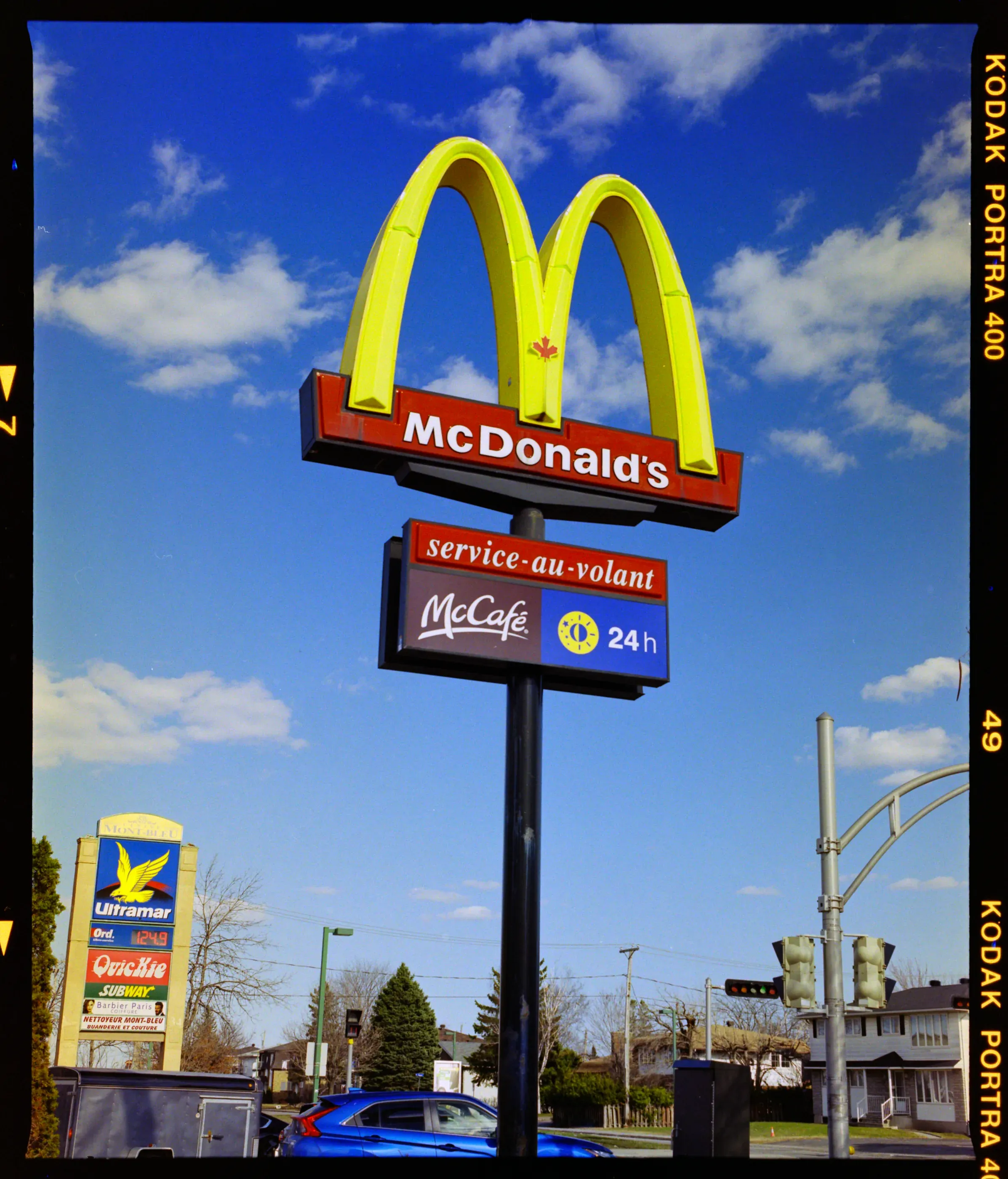
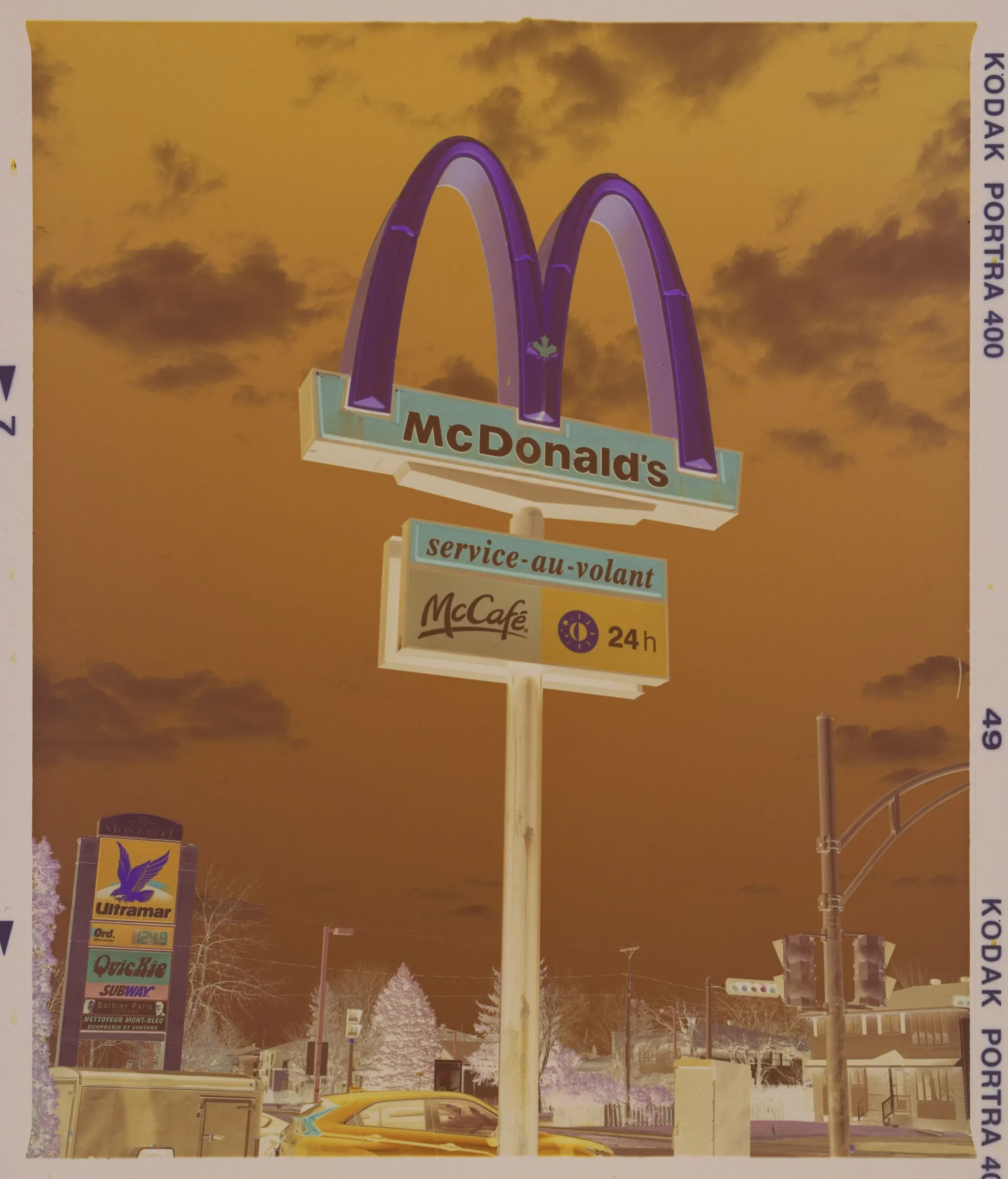
A gentle S-curve, with full blacks and full whites, like a well-made print.
Try it on: Most frames. Start here, and change only when a frame asks for it.
Monobath for Mac
A profile is a tone curve, not a filter. Monobath fits it to each frame's own black and white points, then you tune exposure, contrast, highlights, shadows, glow and fade. Each photo below is one of my own negatives, converted with that profile. Drag across it to see the scan.
Print-like contrast. Monobath sets the gamma from each frame.
A gentle S-curve, with full blacks and full whites, like a well-made print.
Try it on: Most frames. Start here, and change only when a frame asks for it.
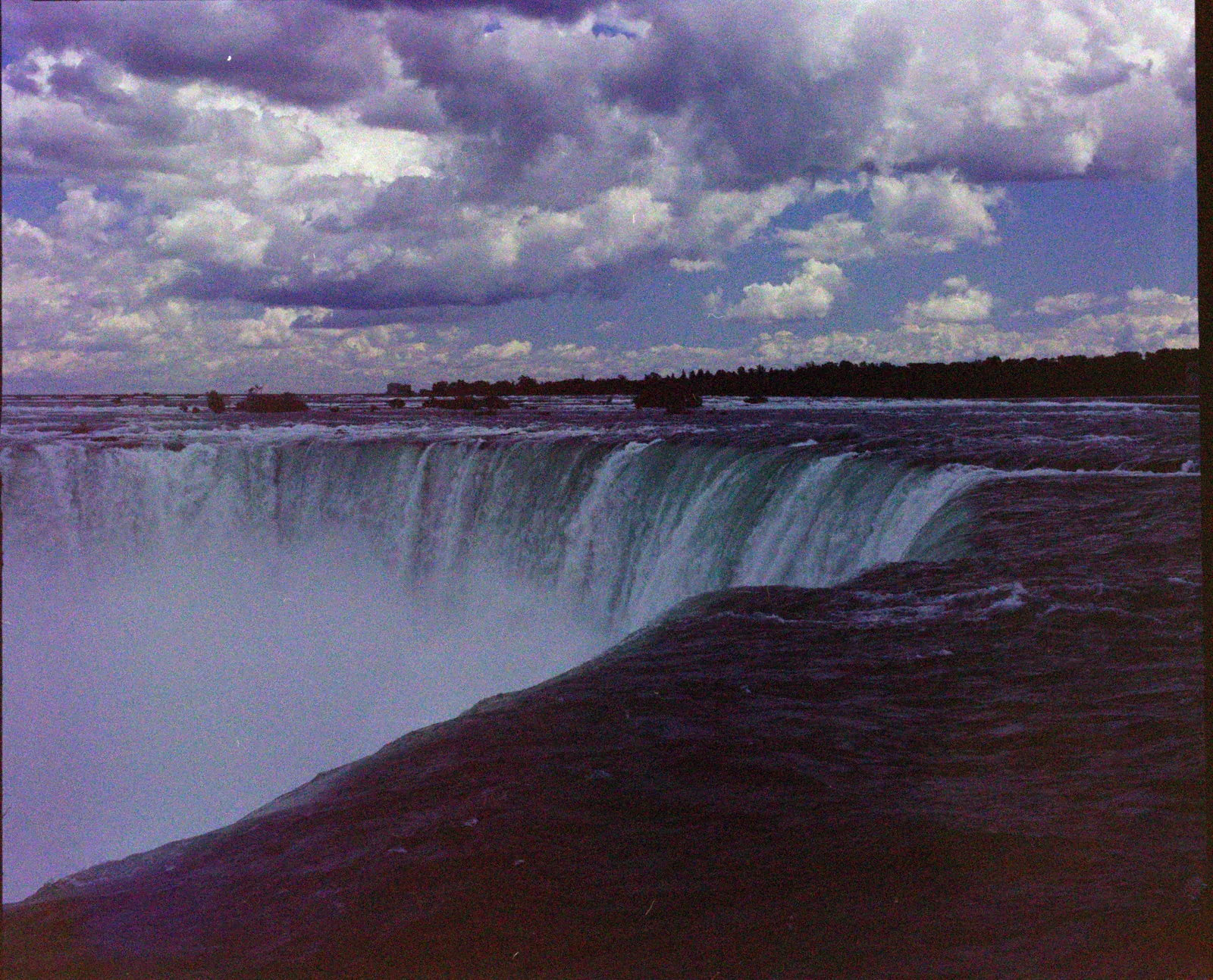
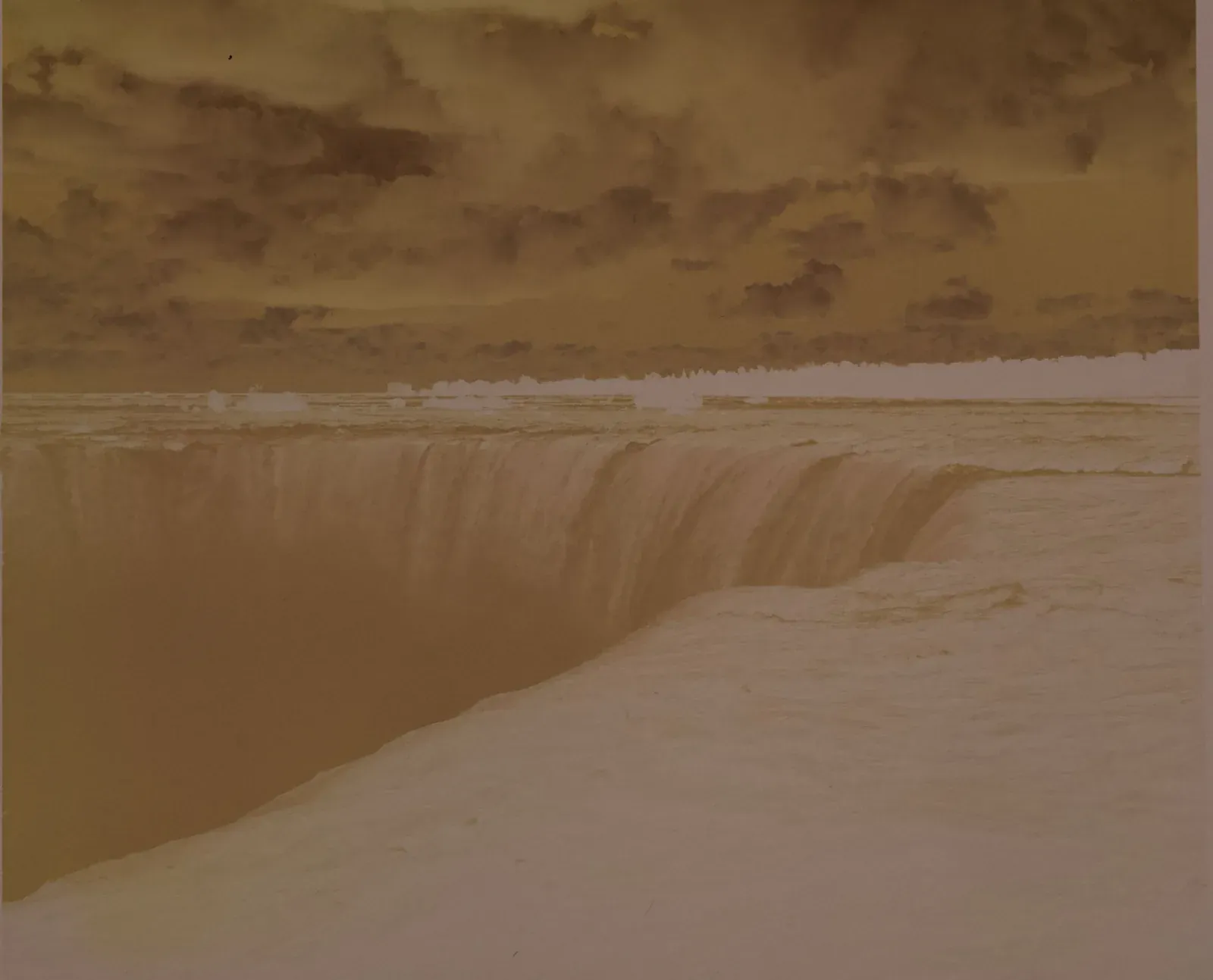
Soft all over. The blacks lift a little and the whites stop short of pure white, so nothing clips.
Try it on: Contrasty scenes, hard sun, and dense negatives whose highlights need room.
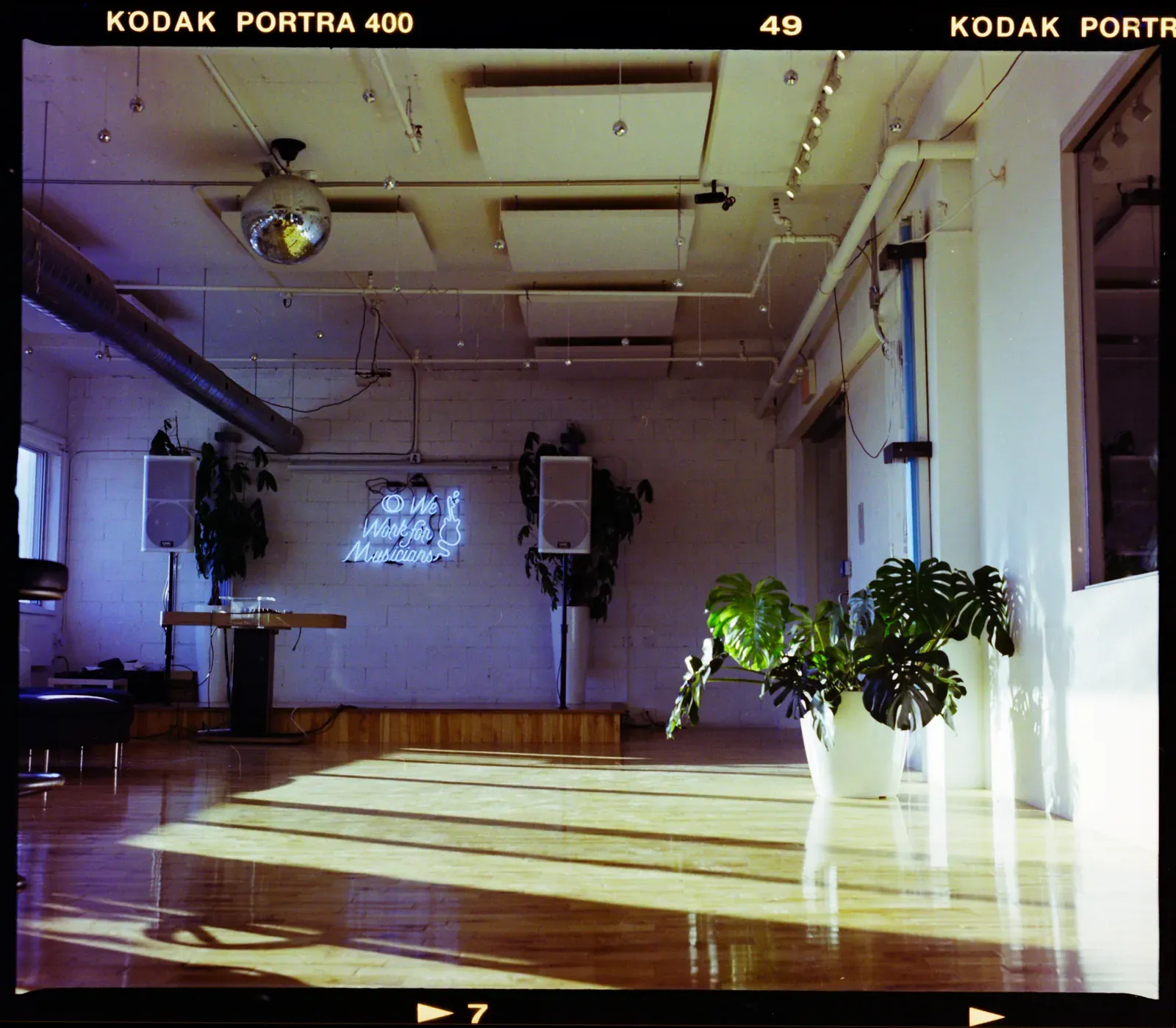
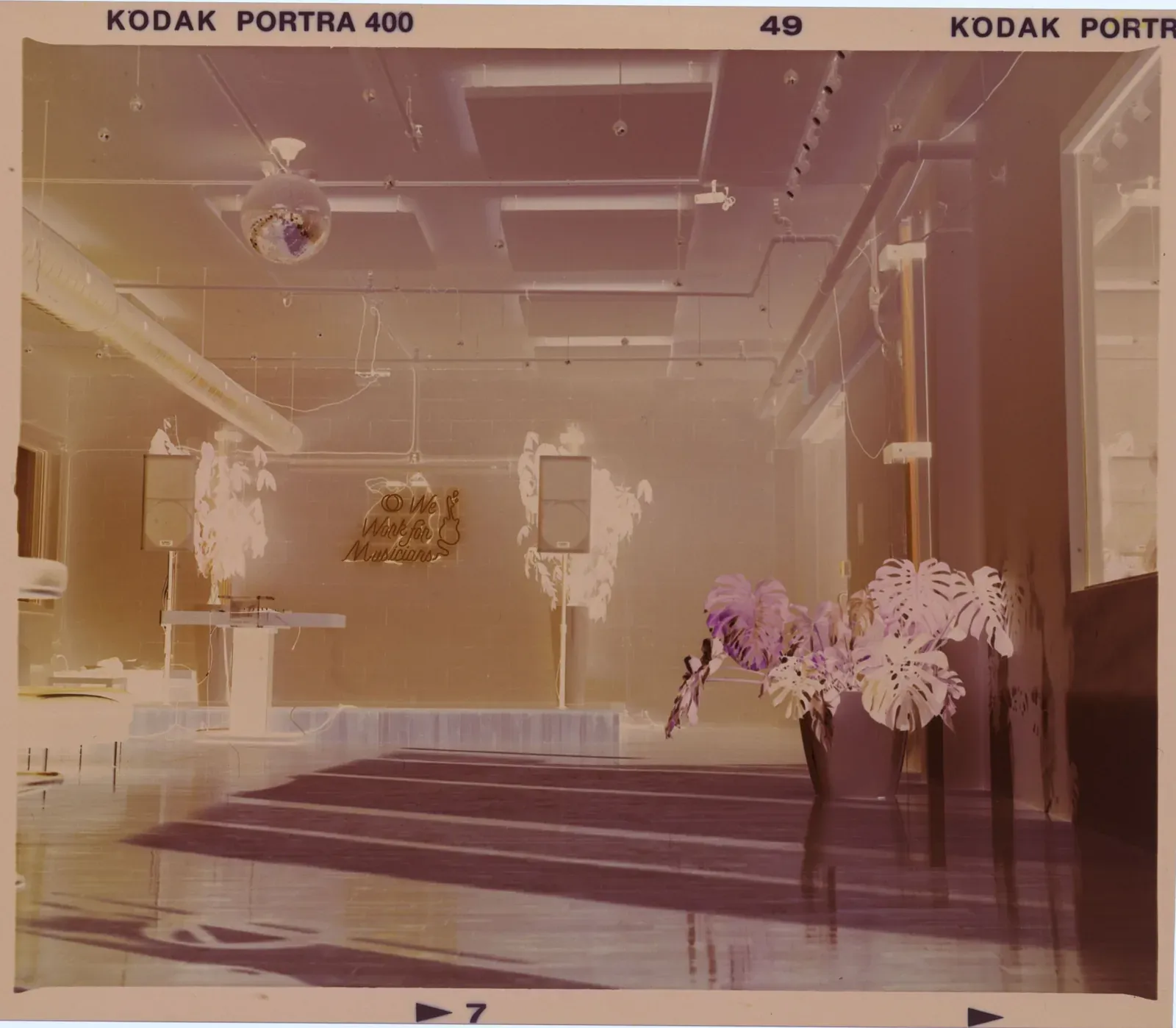
The steepest S-curve: deep shadows, bright highlights and strong contrast in the midtones.
Try it on: Flat frames: soft light, fog, or thin, underdeveloped negatives that need their contrast back.
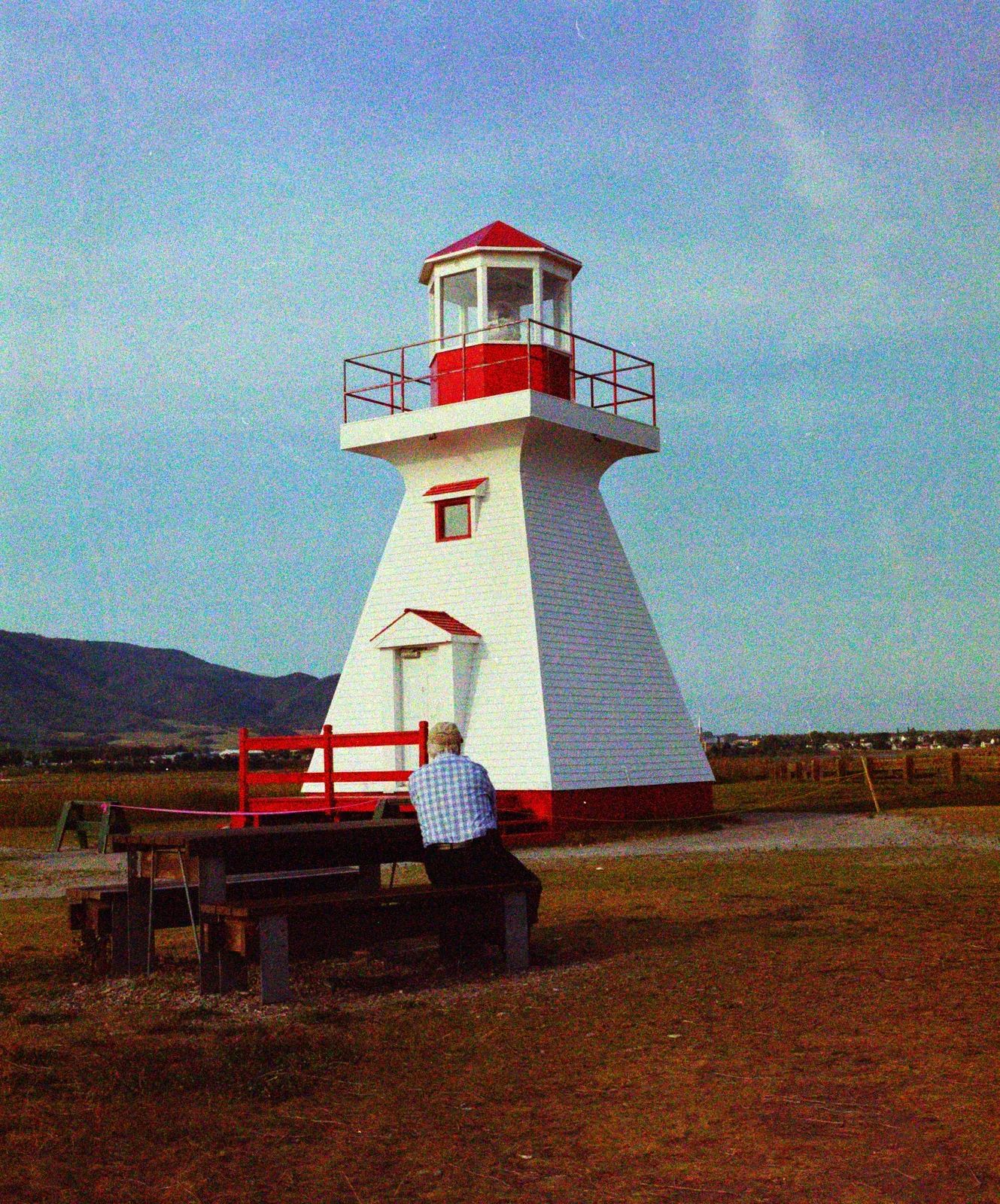
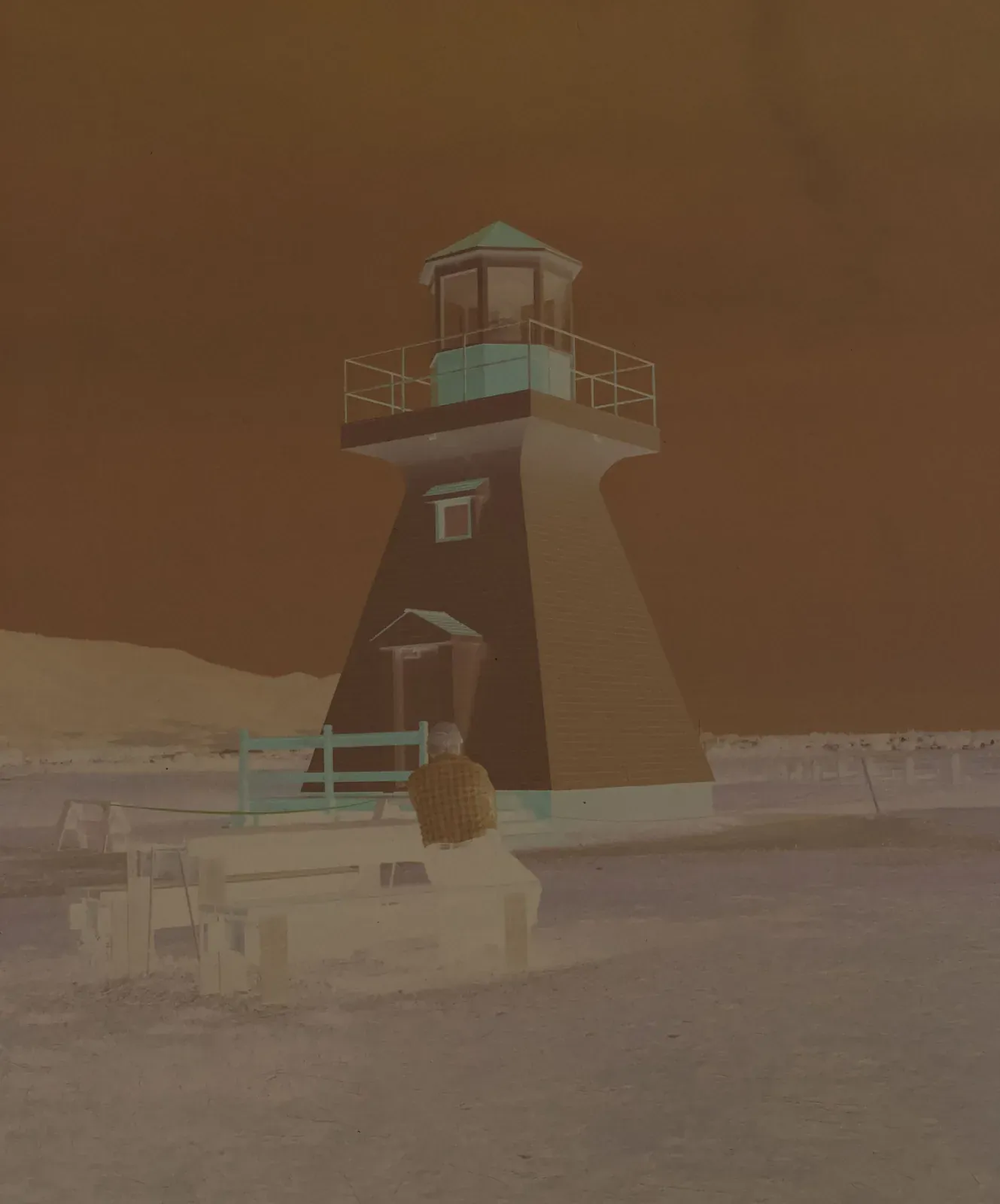
Print contrast, with brighter midtones and highlights.
Try it on: Daylight frames that should feel bright.
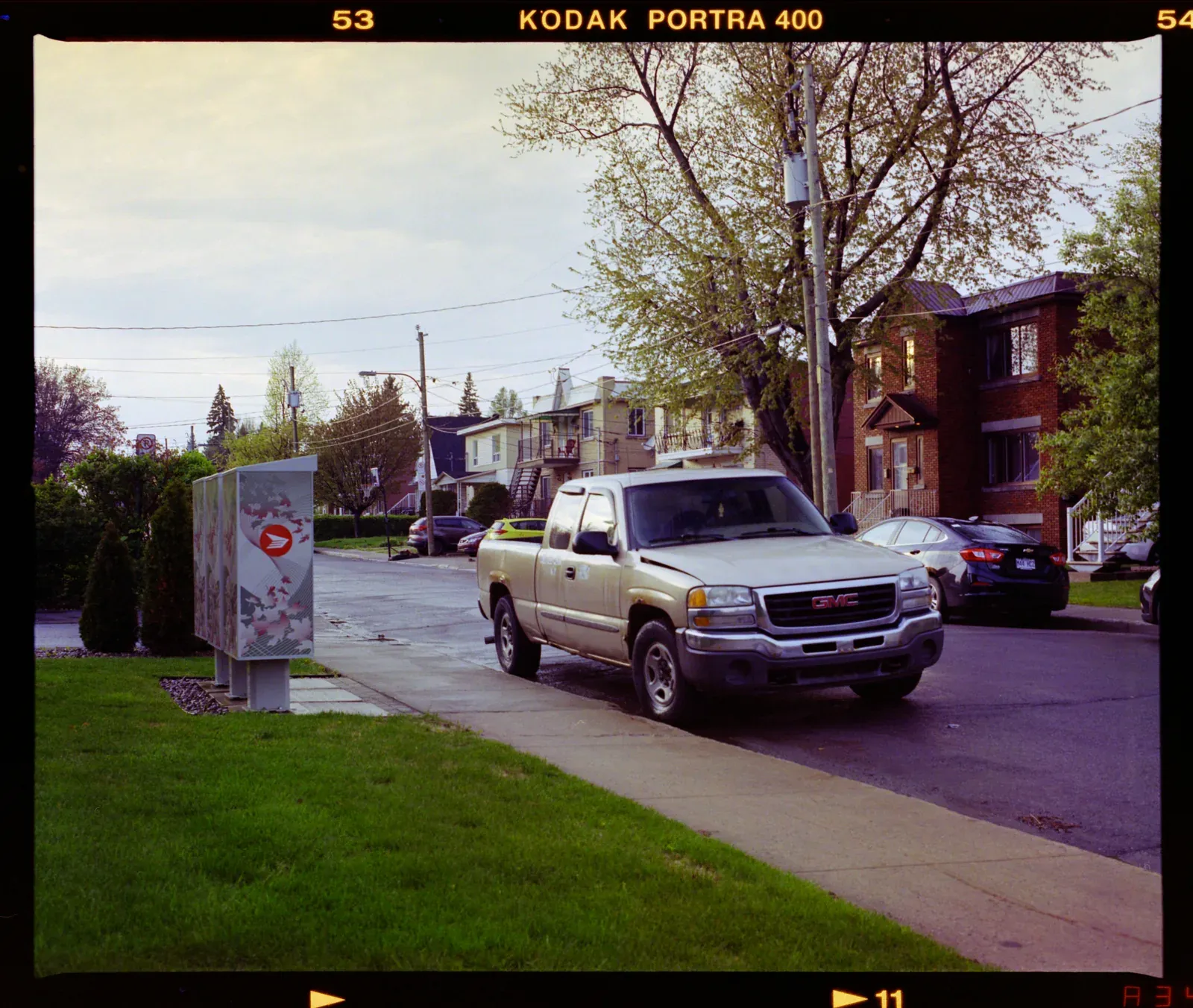
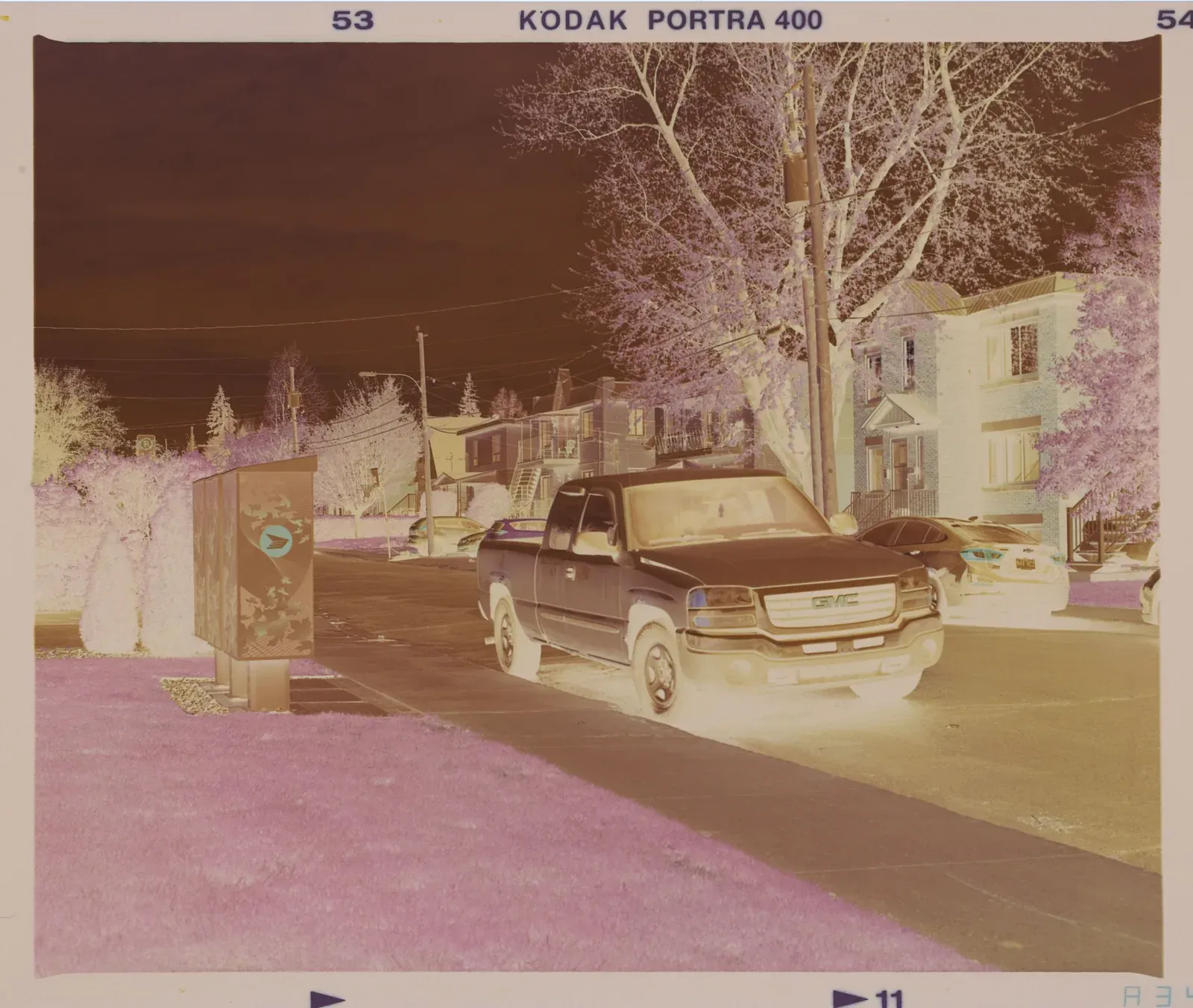
Gentle highlights. The whites stay just short of pure white, and the midtones sit a little lower.
Try it on: Bright skies, skin and white walls, and dense negatives whose highlights are close to merging.
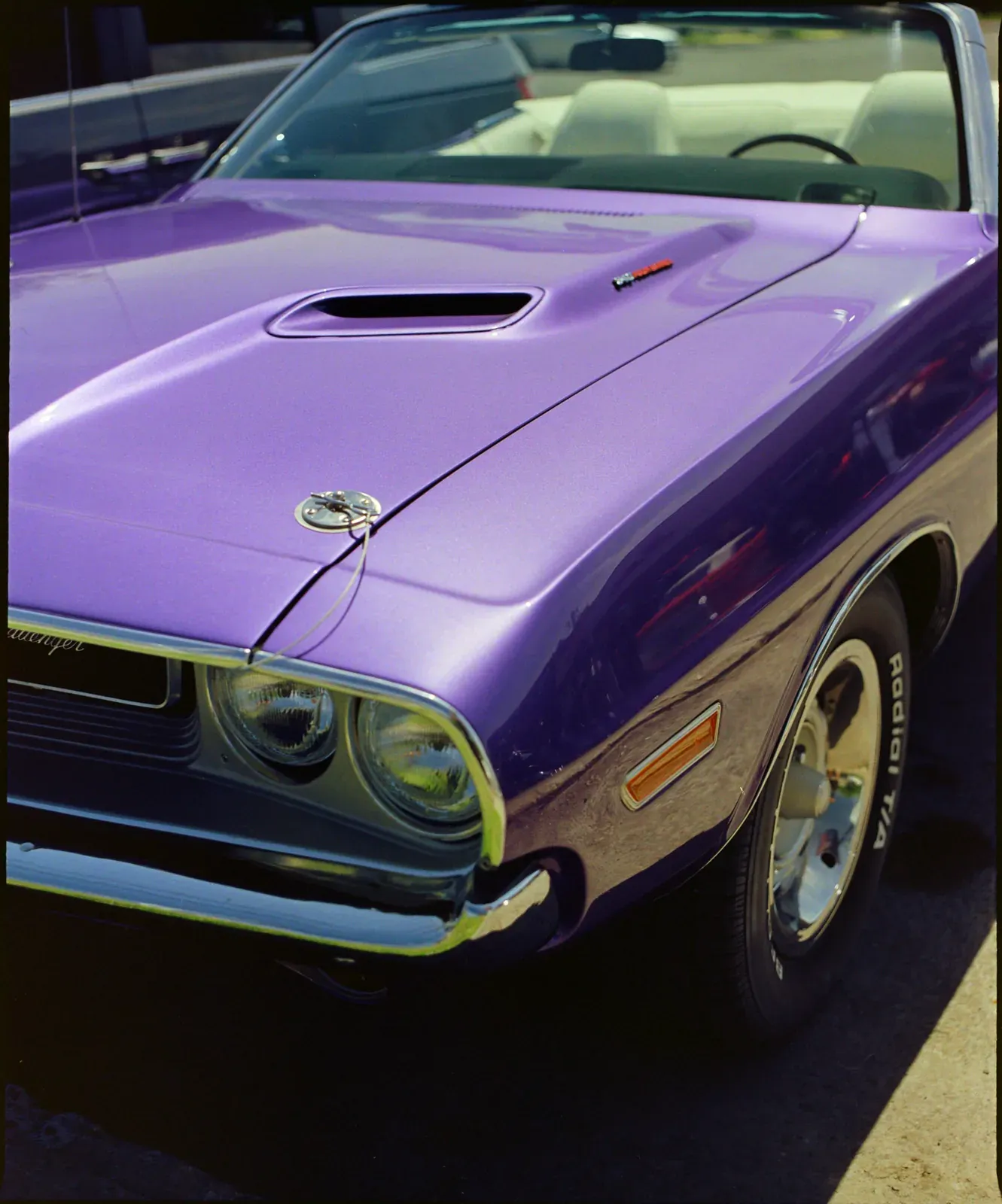
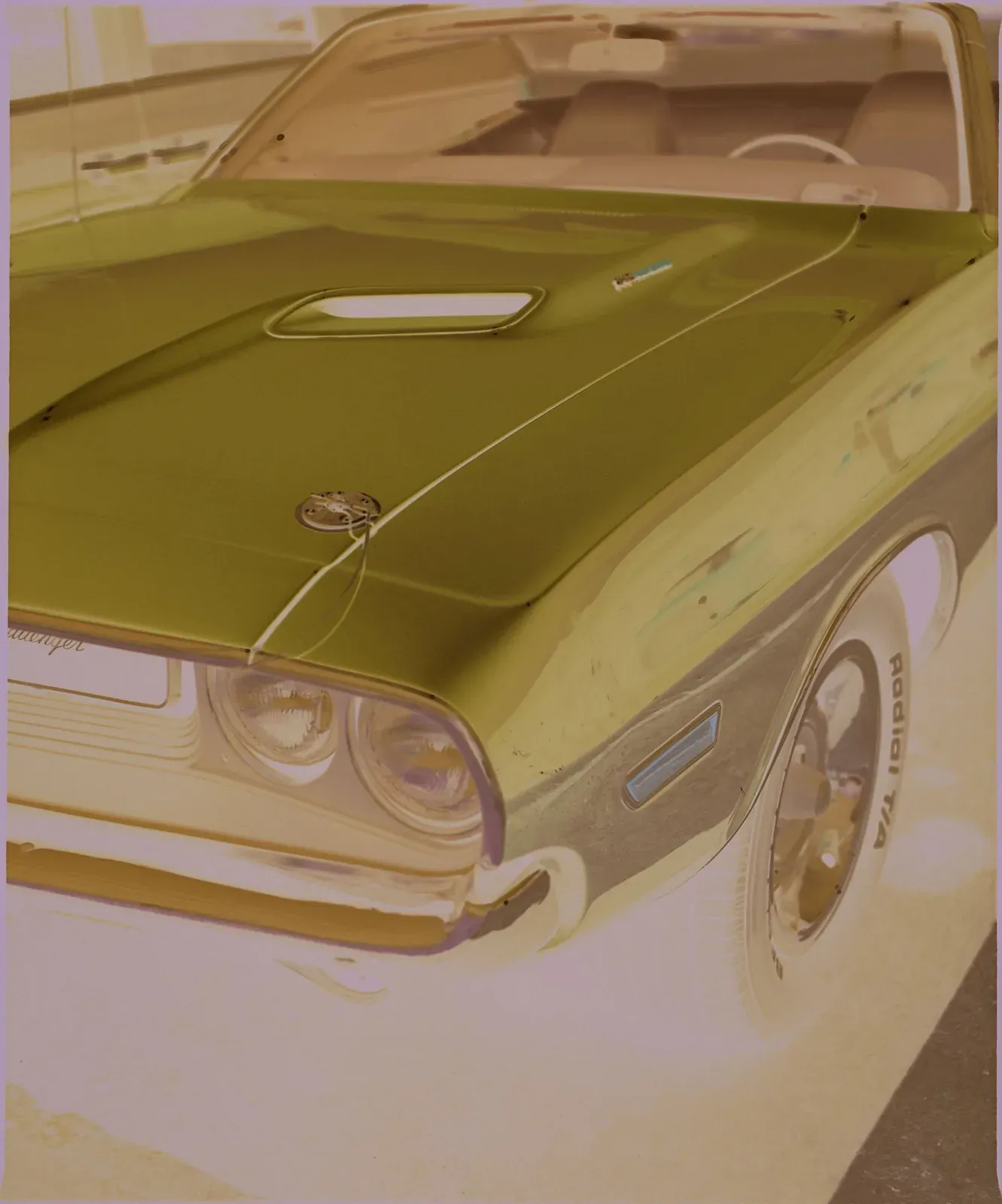
Deeper shadows and firm contrast, with full whites.
Try it on: Black and white, low-key frames, and pictures that should feel heavy and dark.
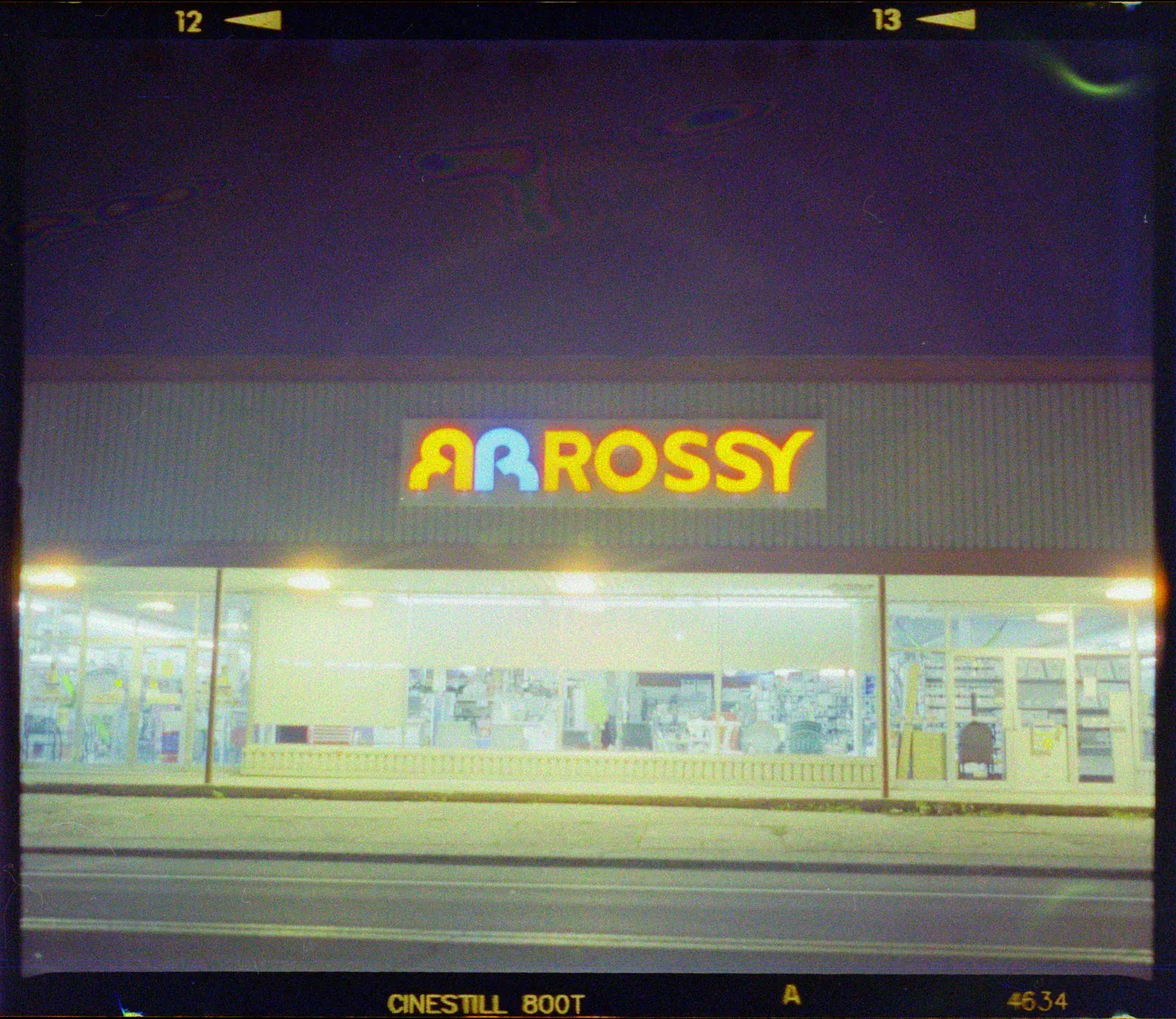
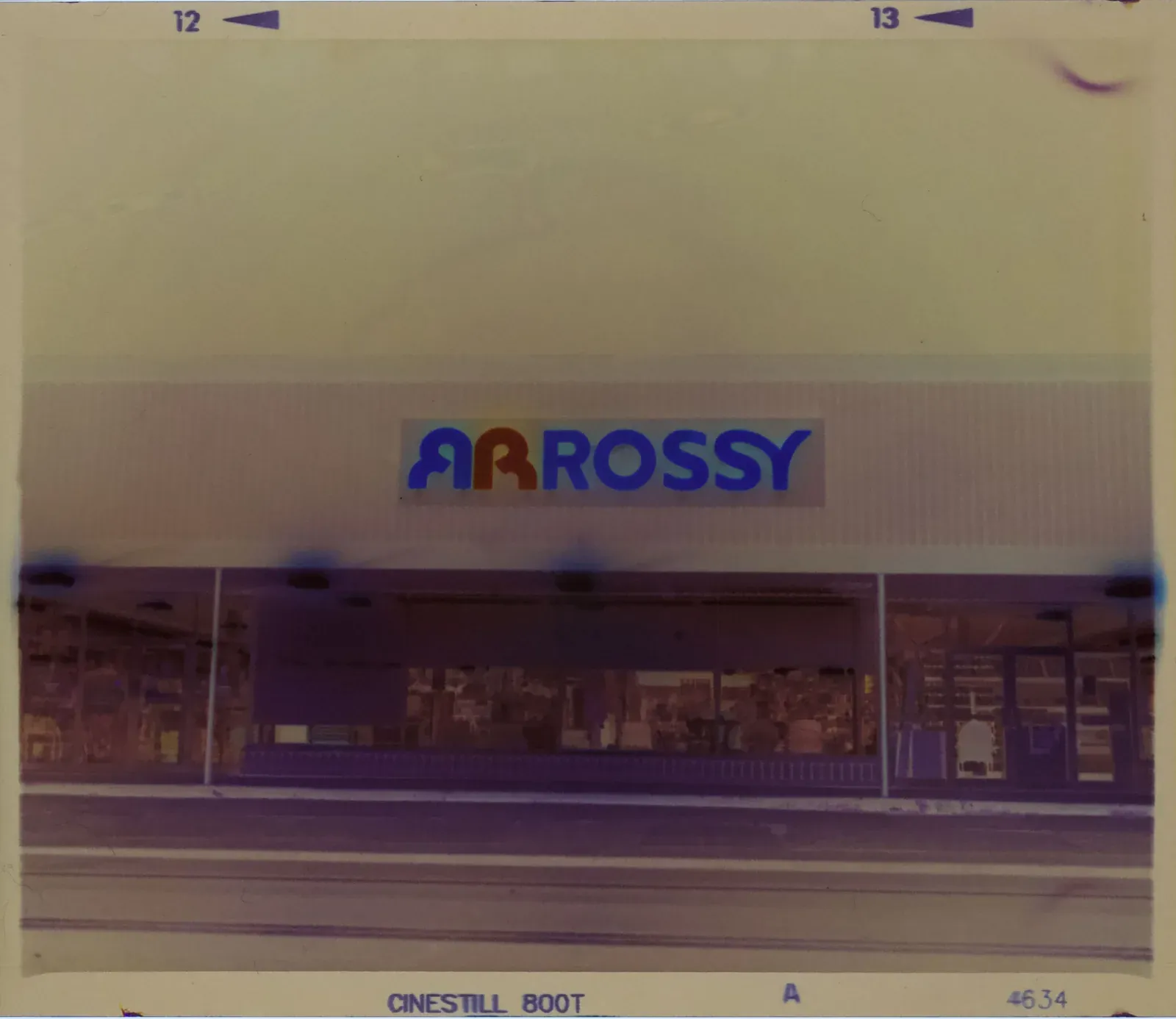
Open shadows. The blacks lift and the midtones brighten, so the dark parts of the frame show what they hold.
Try it on: Night frames and slightly thin negatives, where most of the picture sits in the shadows.
Flat and faithful, ready for your own grade.
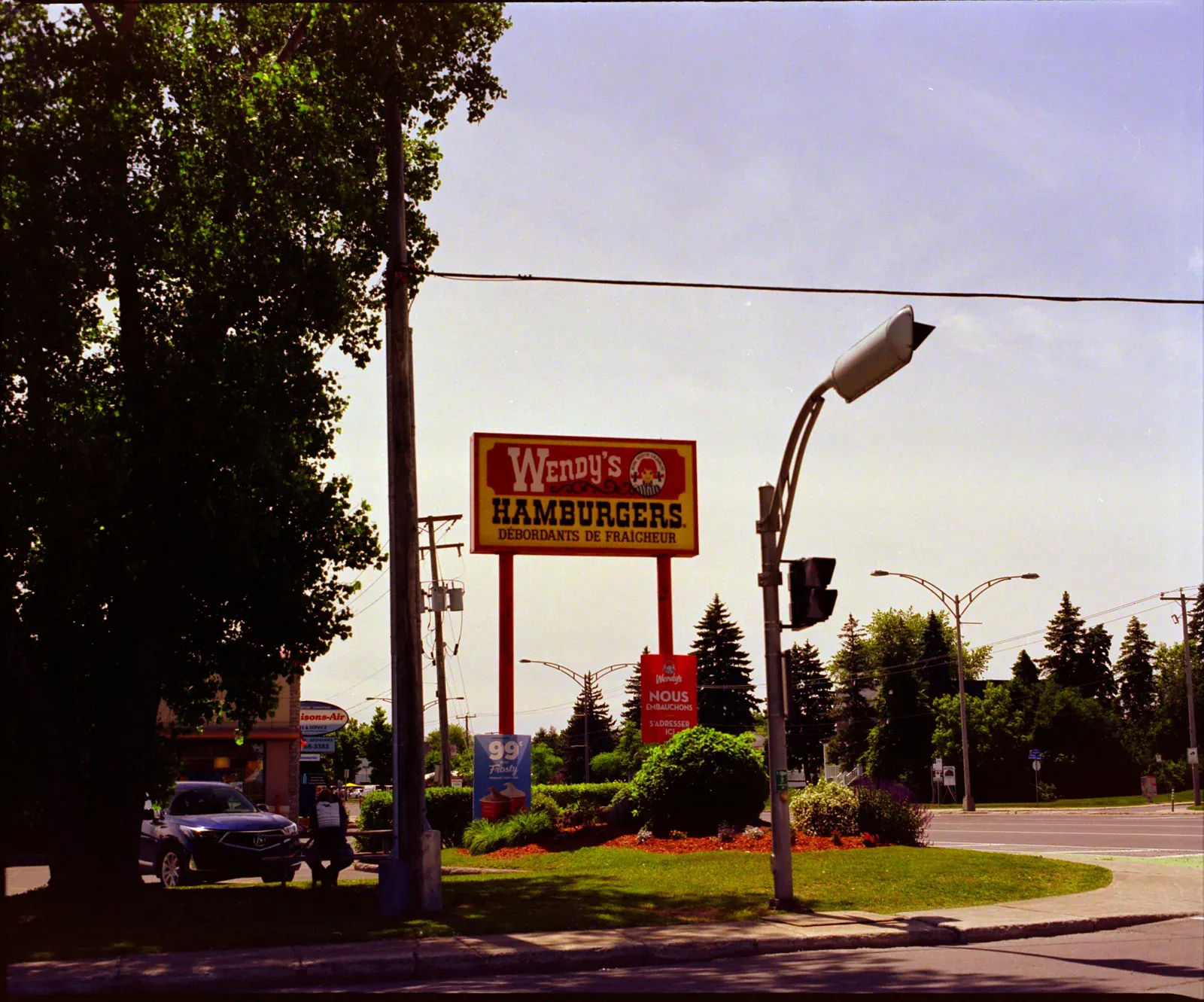
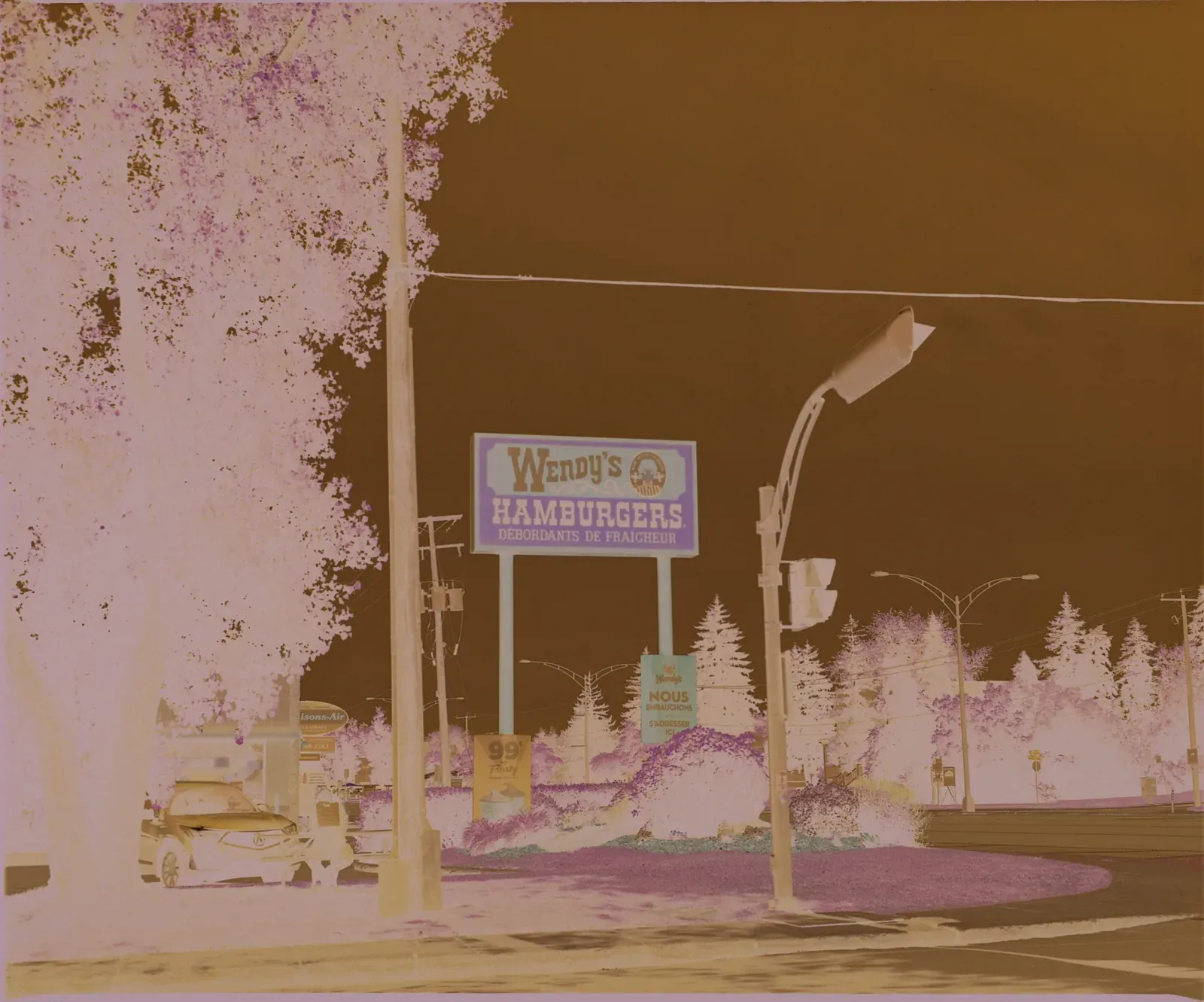
A straight line: the tones of the negative, with nothing added.
Try it on: Your own grade in another editor. Export a 16-bit TIFF and start from here.
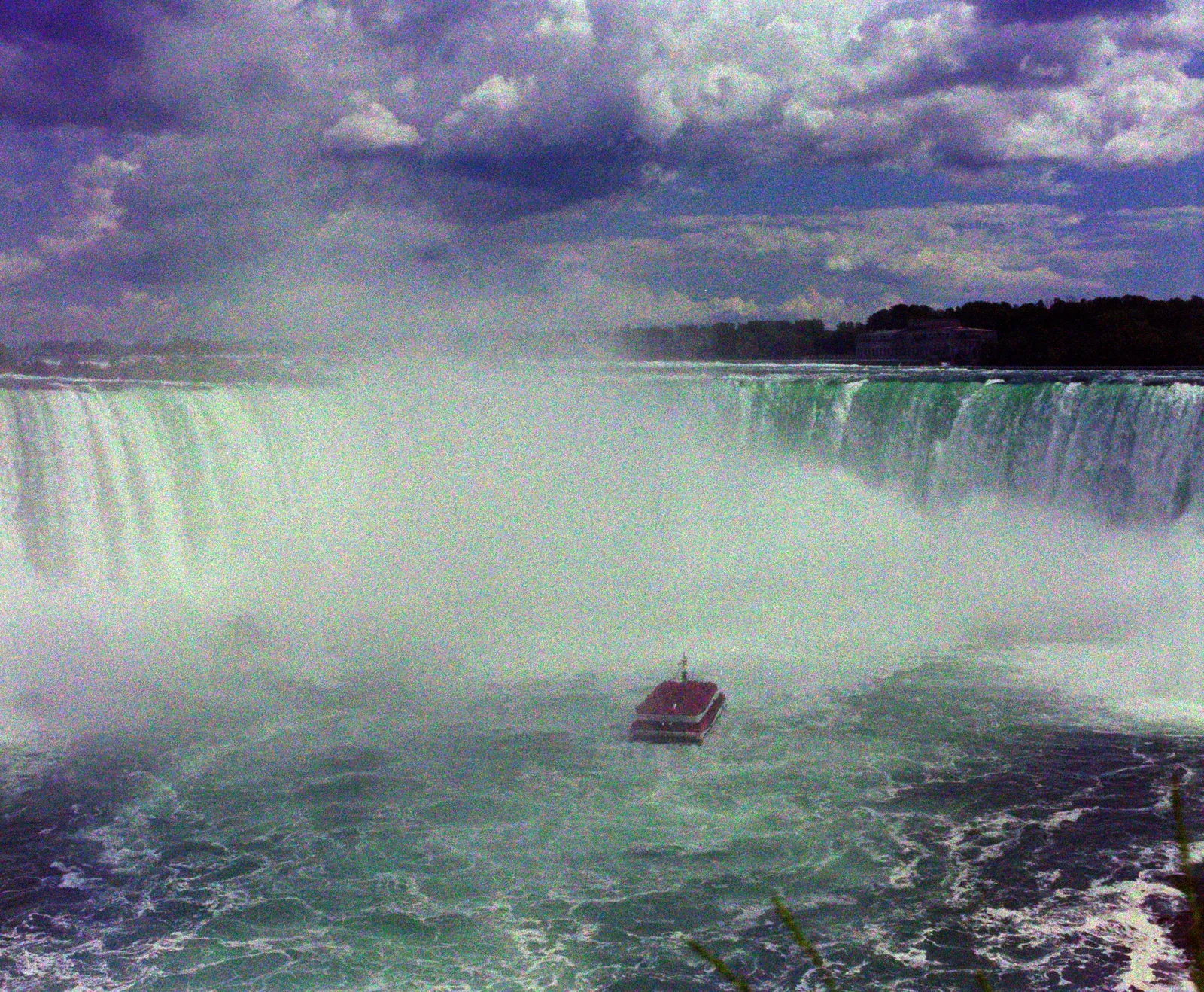
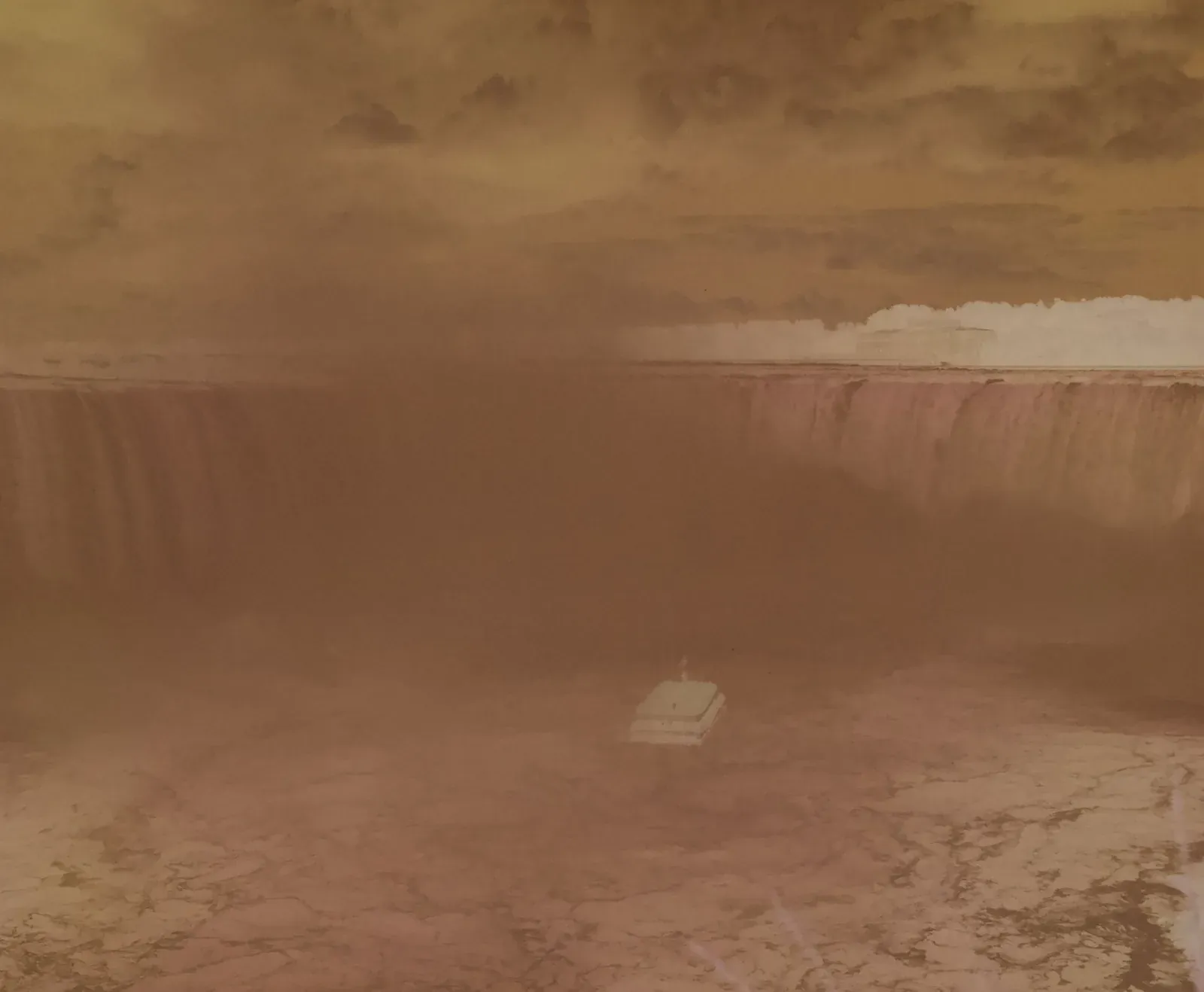
A gamma curve. The shadows and midtones sit lower, and the highlights spread out.
Try it on: Frames that look pale with a straight curve and need more weight in the midtones.
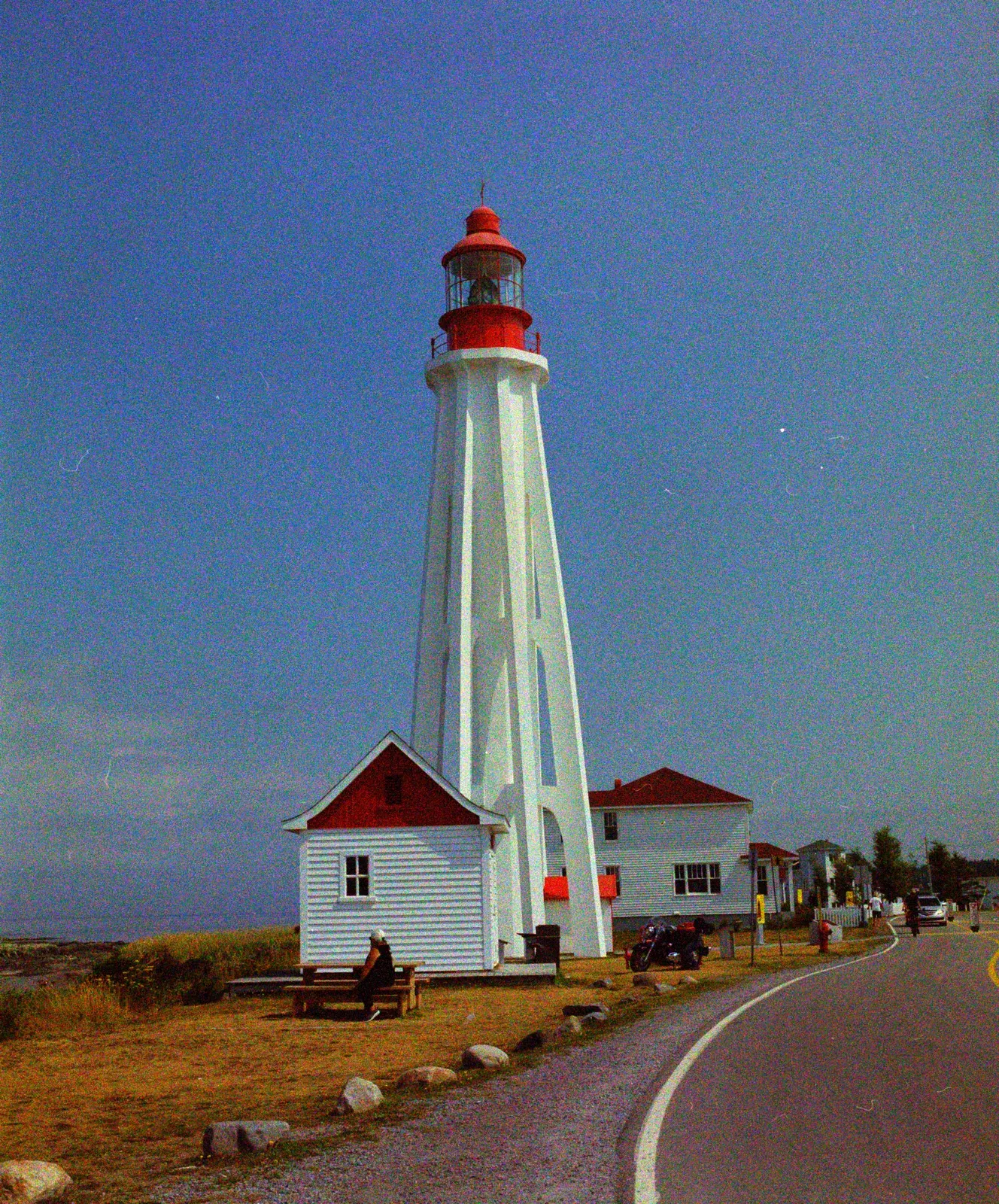
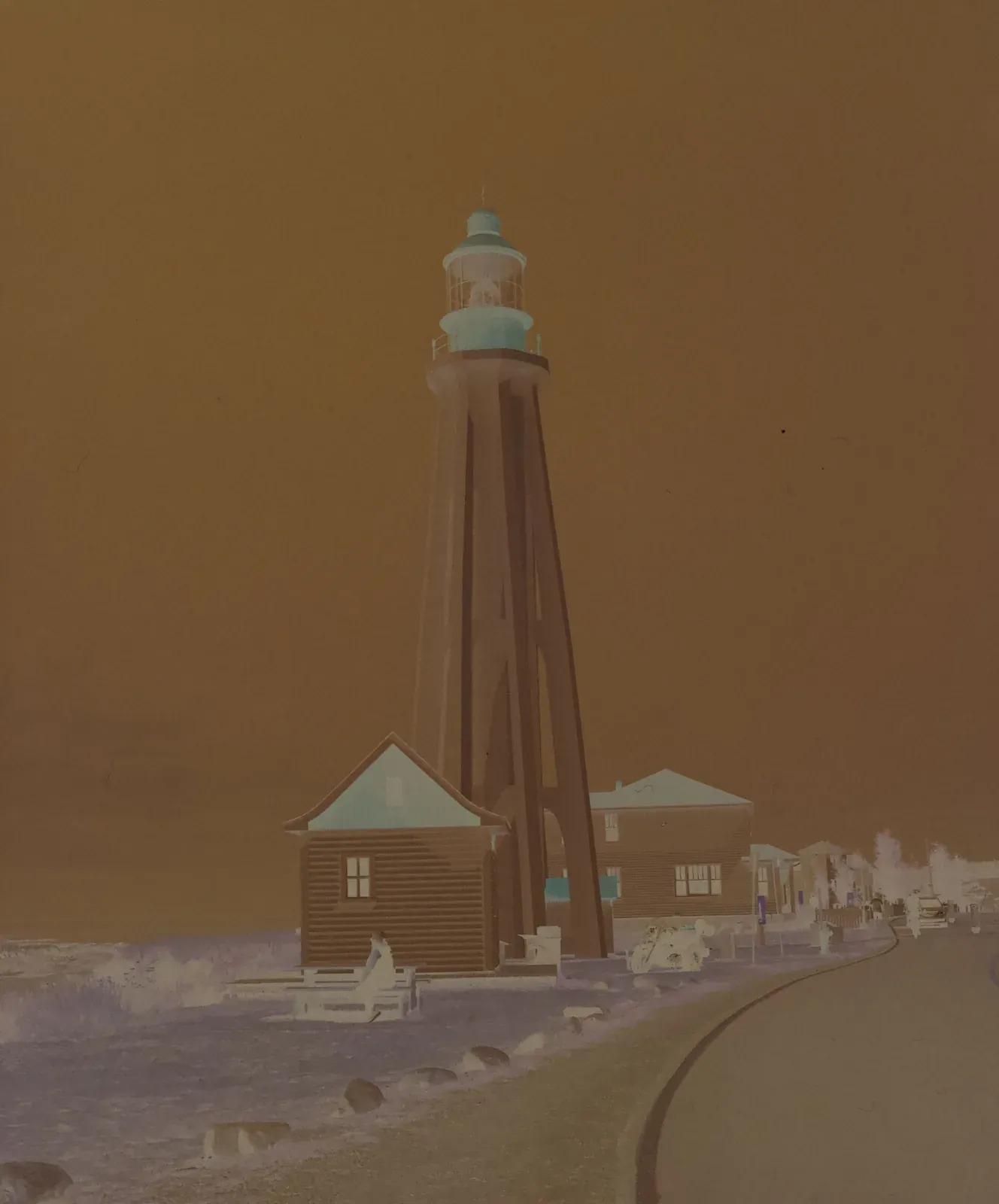
Almost straight, with a little more depth in the shadows.
Try it on: Your own grade, from a base with firmer blacks.
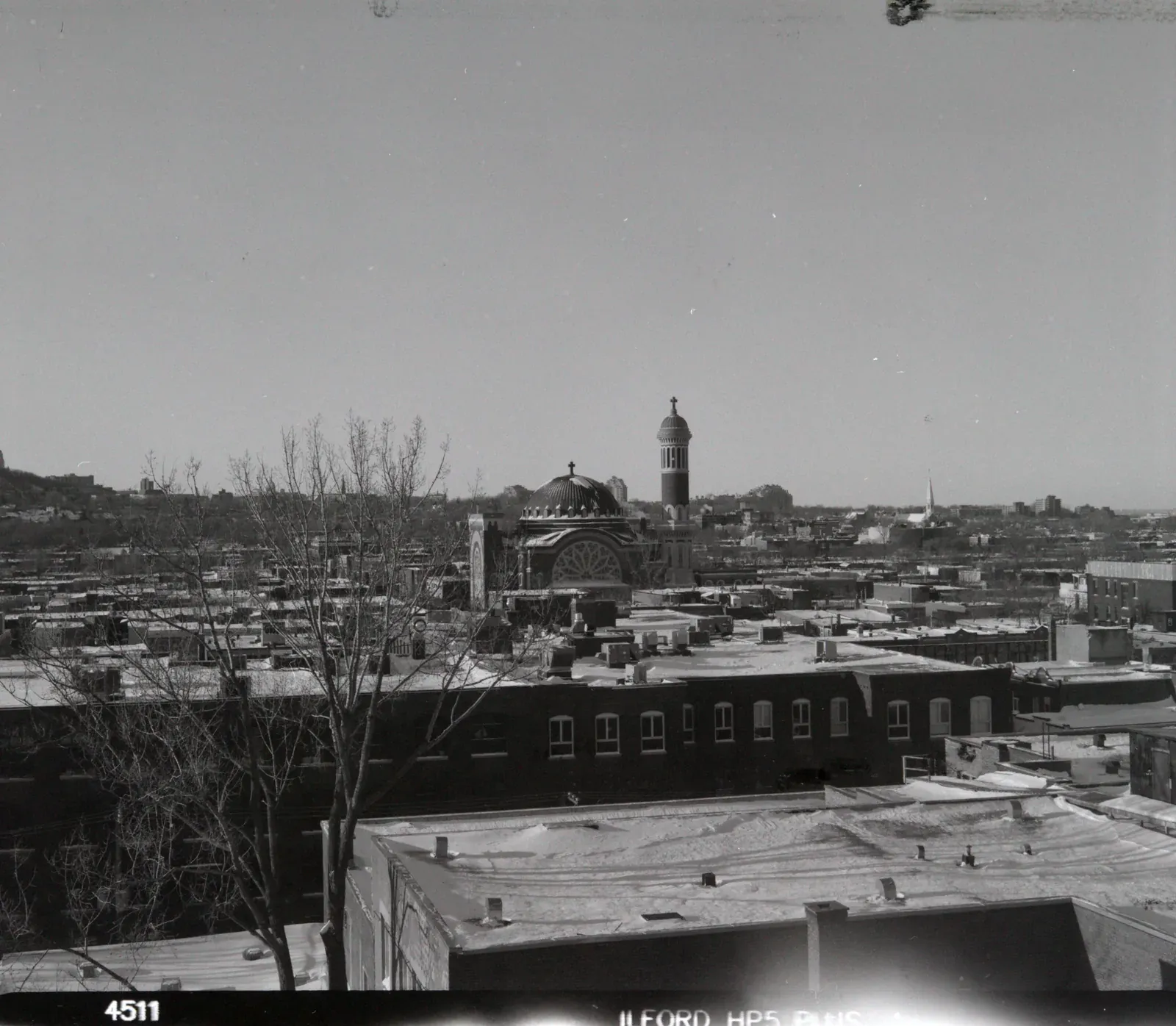
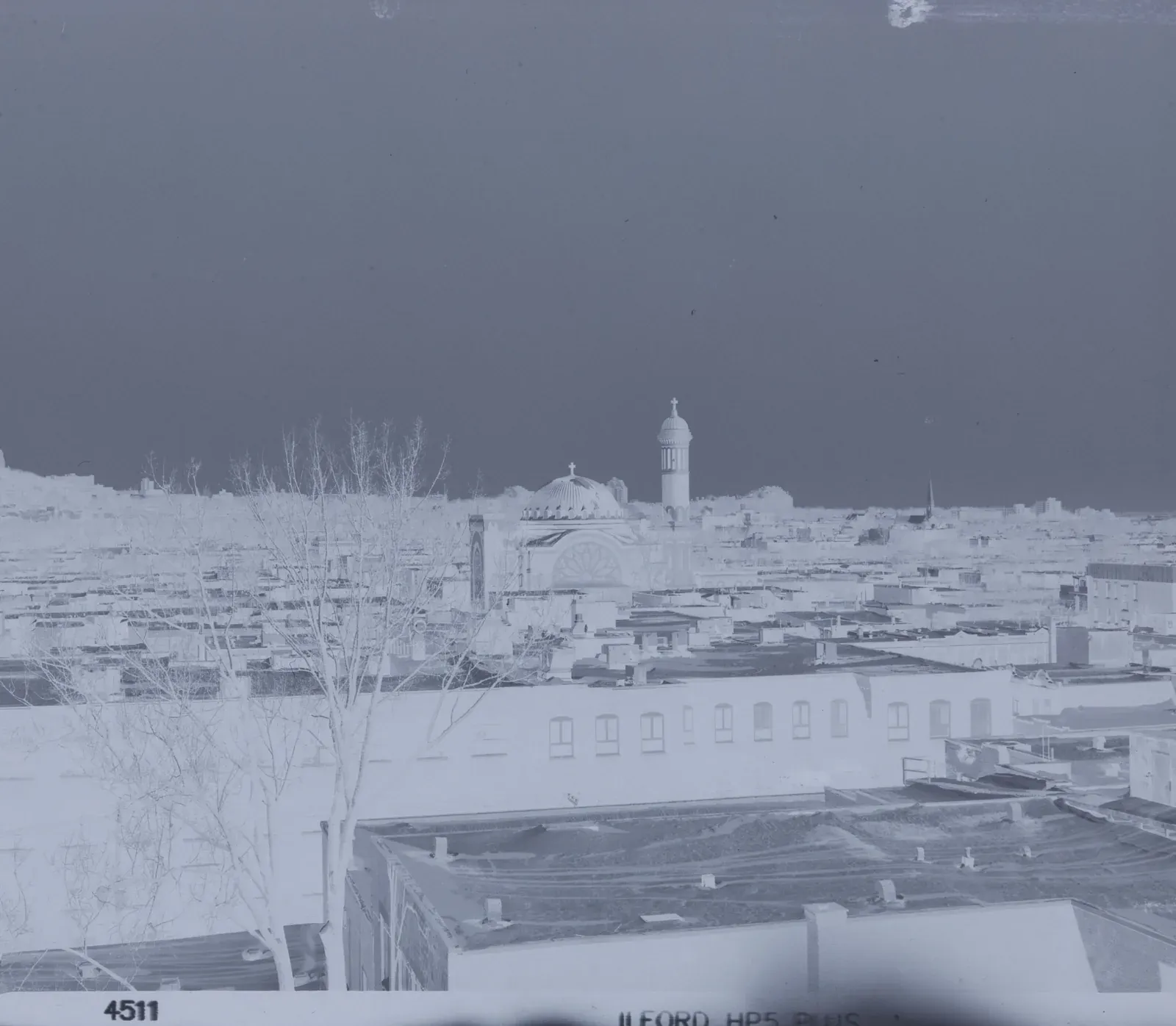
The flattest Neutral curve. It holds both ends back, so every tone from the negative stays in the file.
Try it on: Black and white, and any frame you will grade by hand. It leaves the most room to work.
Lower midtones and open highlights, like motion-picture film.
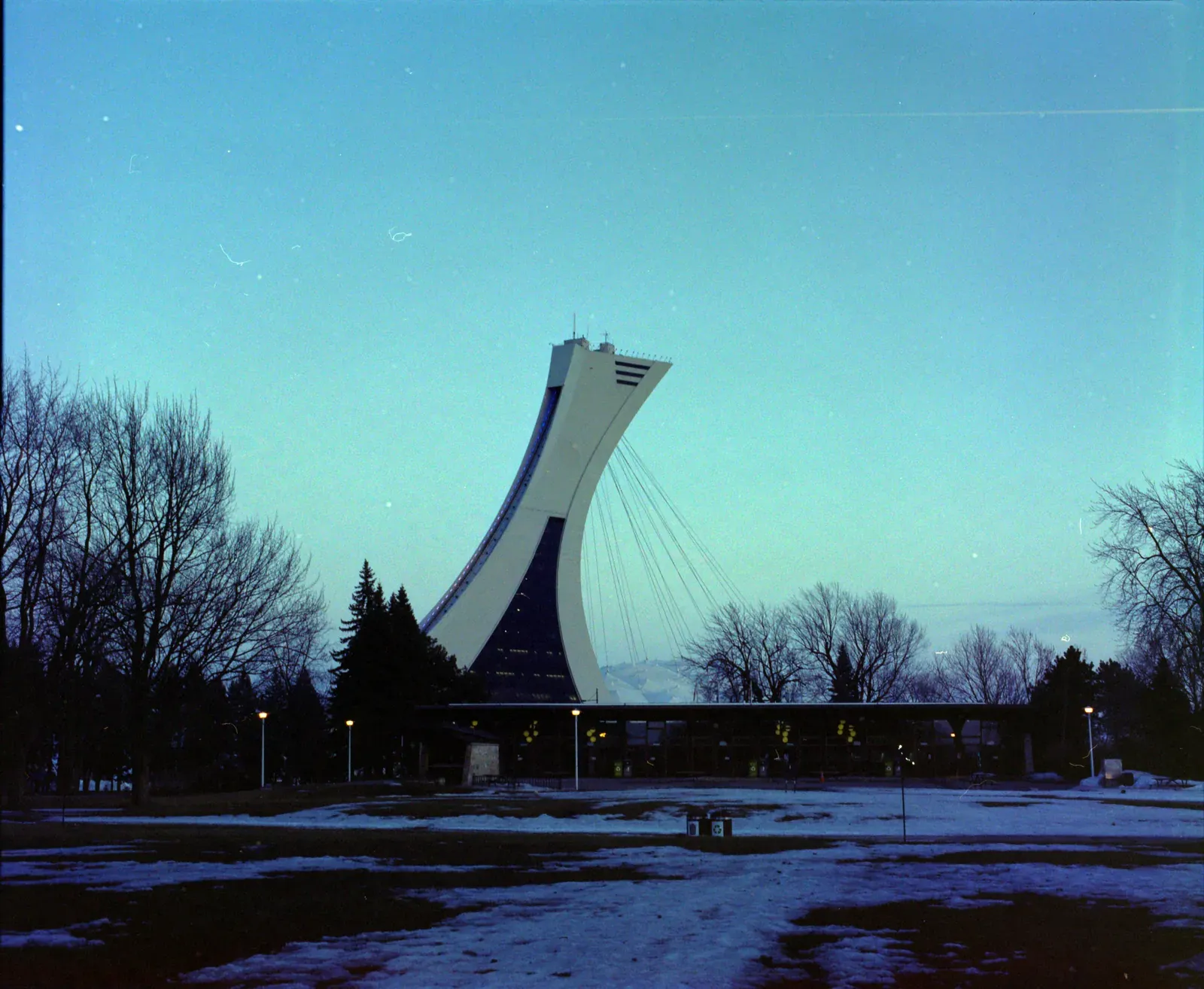
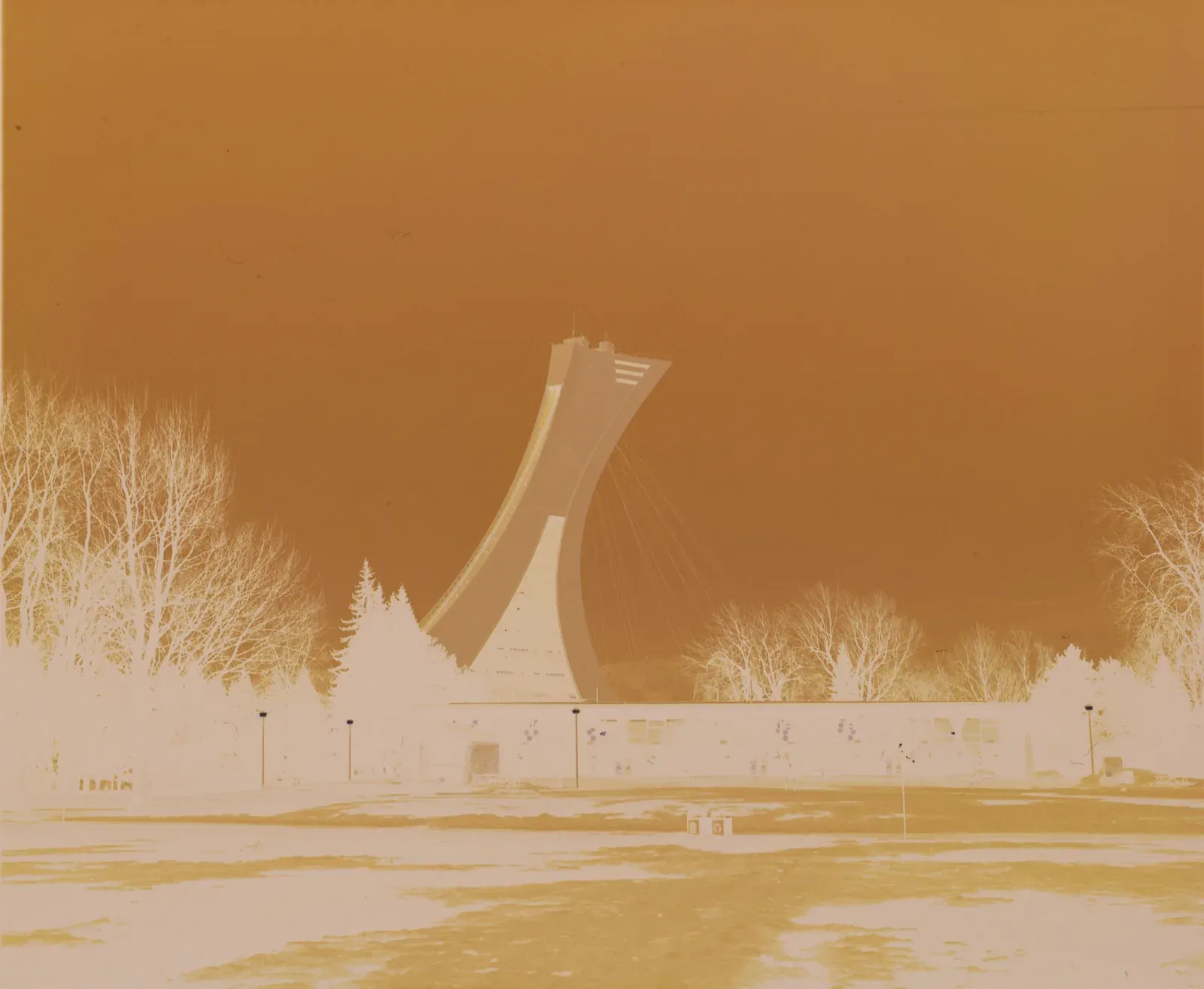
Low midtones and open highlights. The curve stays under the line until the brightest tones, so skies and lights keep their separation.
Try it on: A darker, filmic look, and frames with bright skies or lights you want to keep.
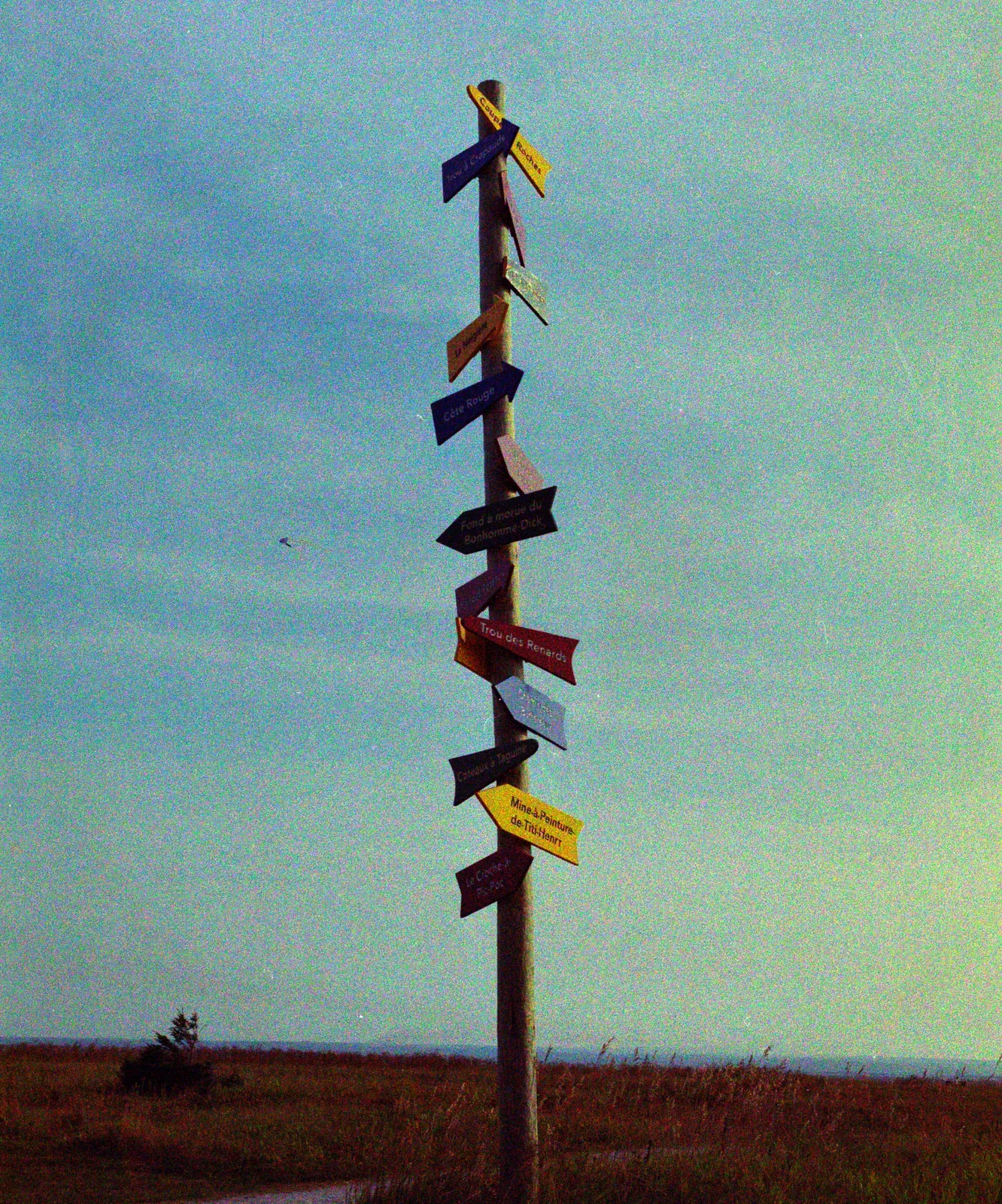
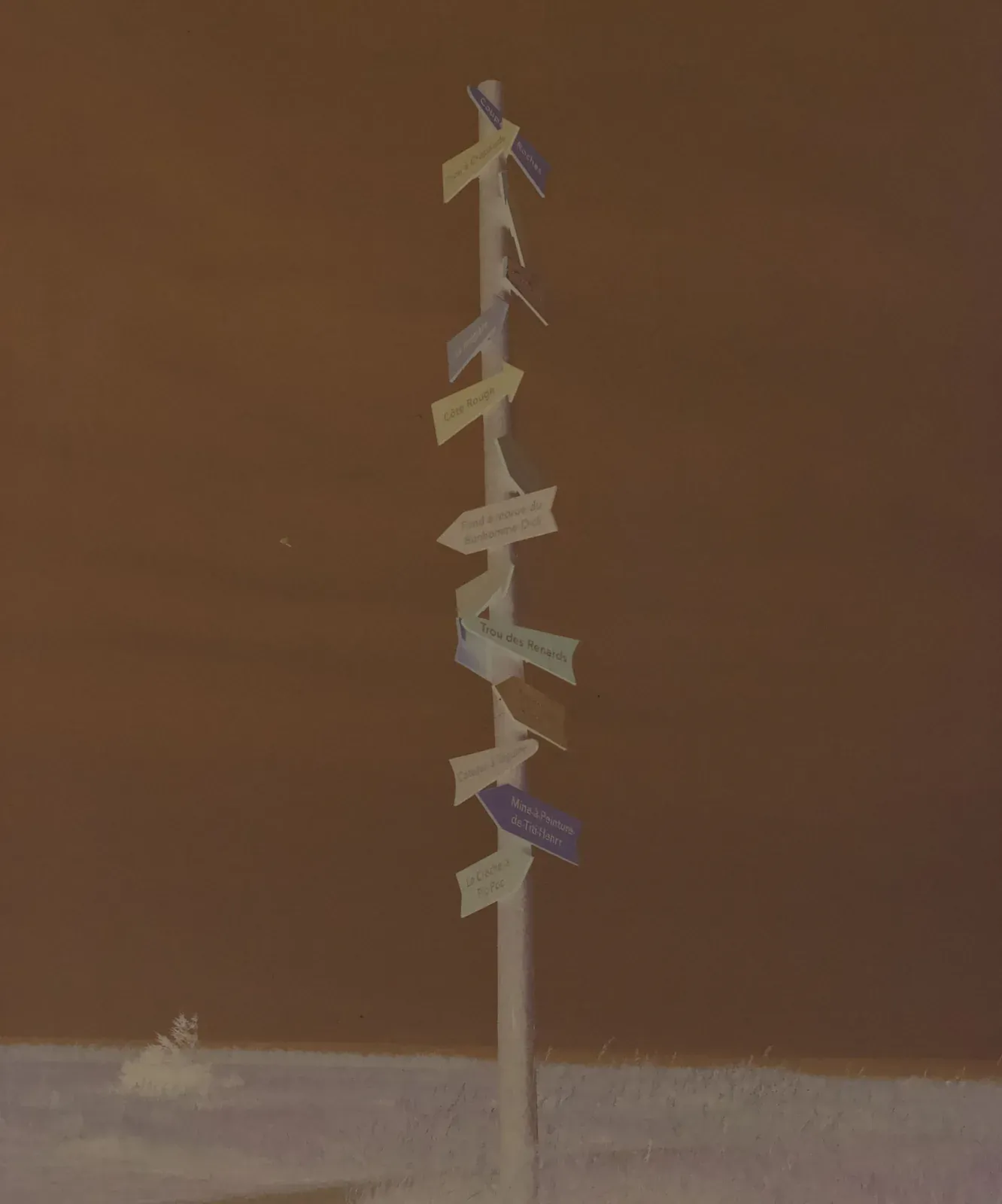
Telecine with deeper shadows and a little more contrast.
Try it on: The same cinema look, with more punch.
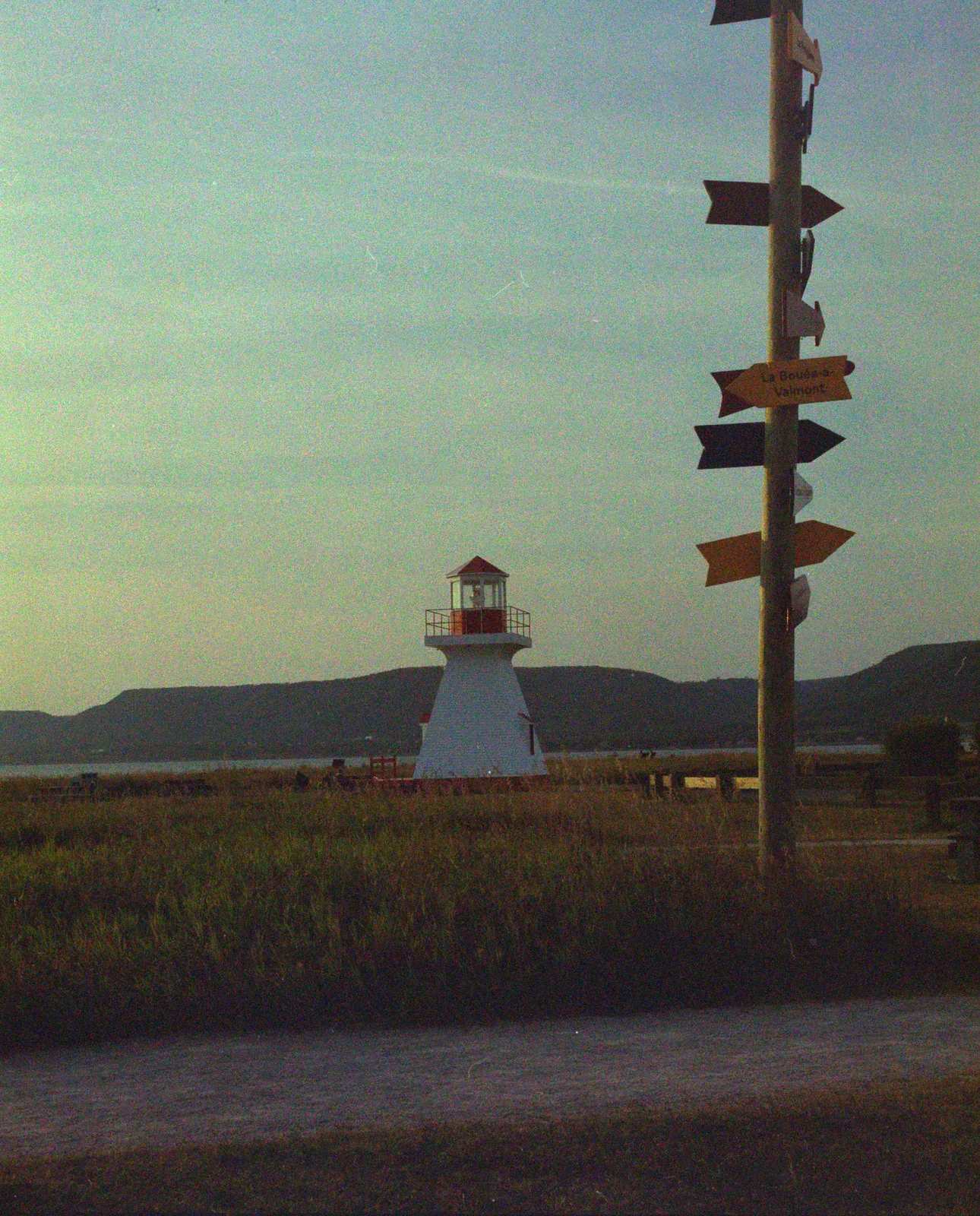
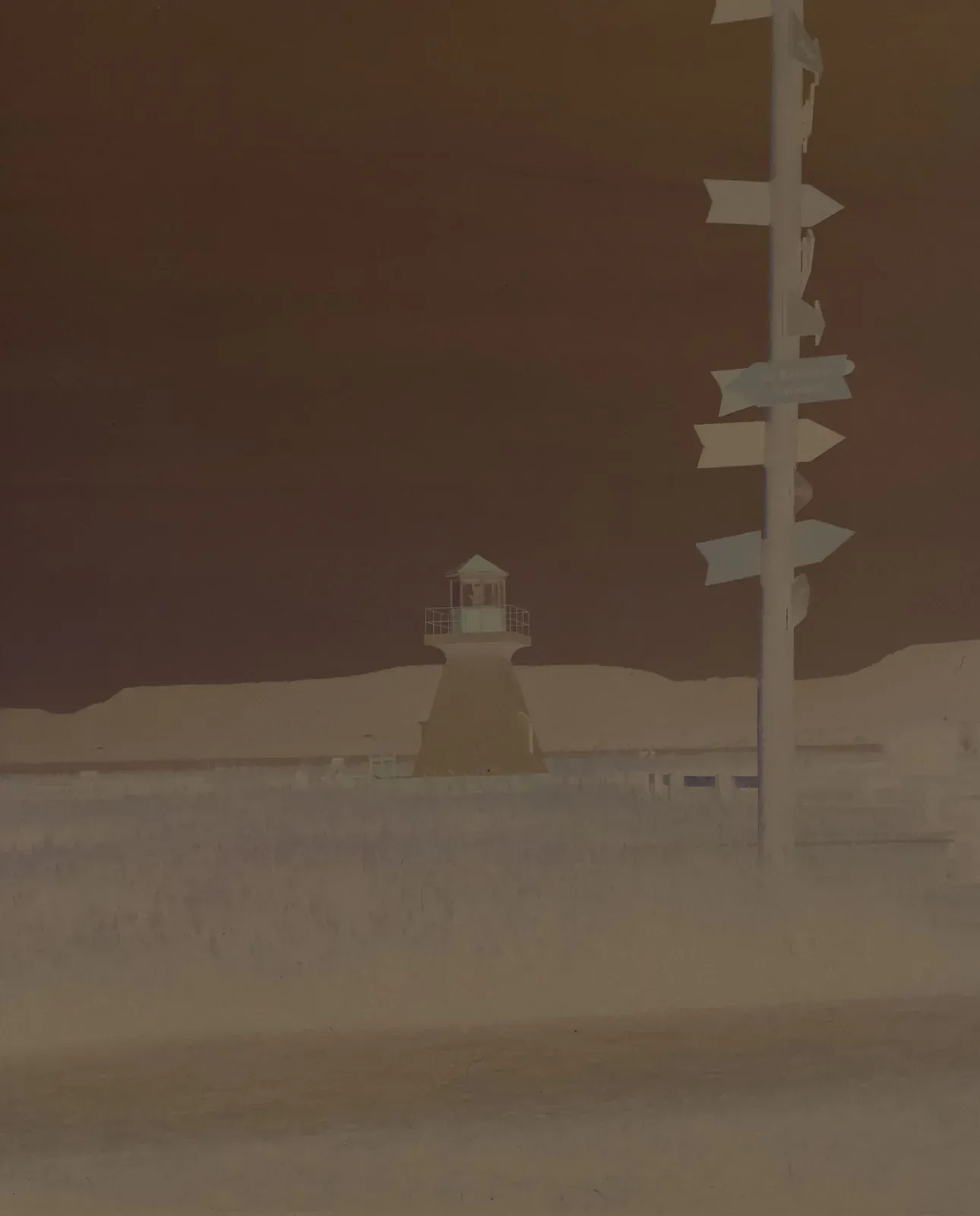
The flattest Cinema curve: the same low midtones, with both ends held back.
Try it on: A cinema base for your own colour grade.
Monobath converts camera scans of colour negatives, black and white film and slides. Join the beta to try it on your own negatives.