Colour negatives
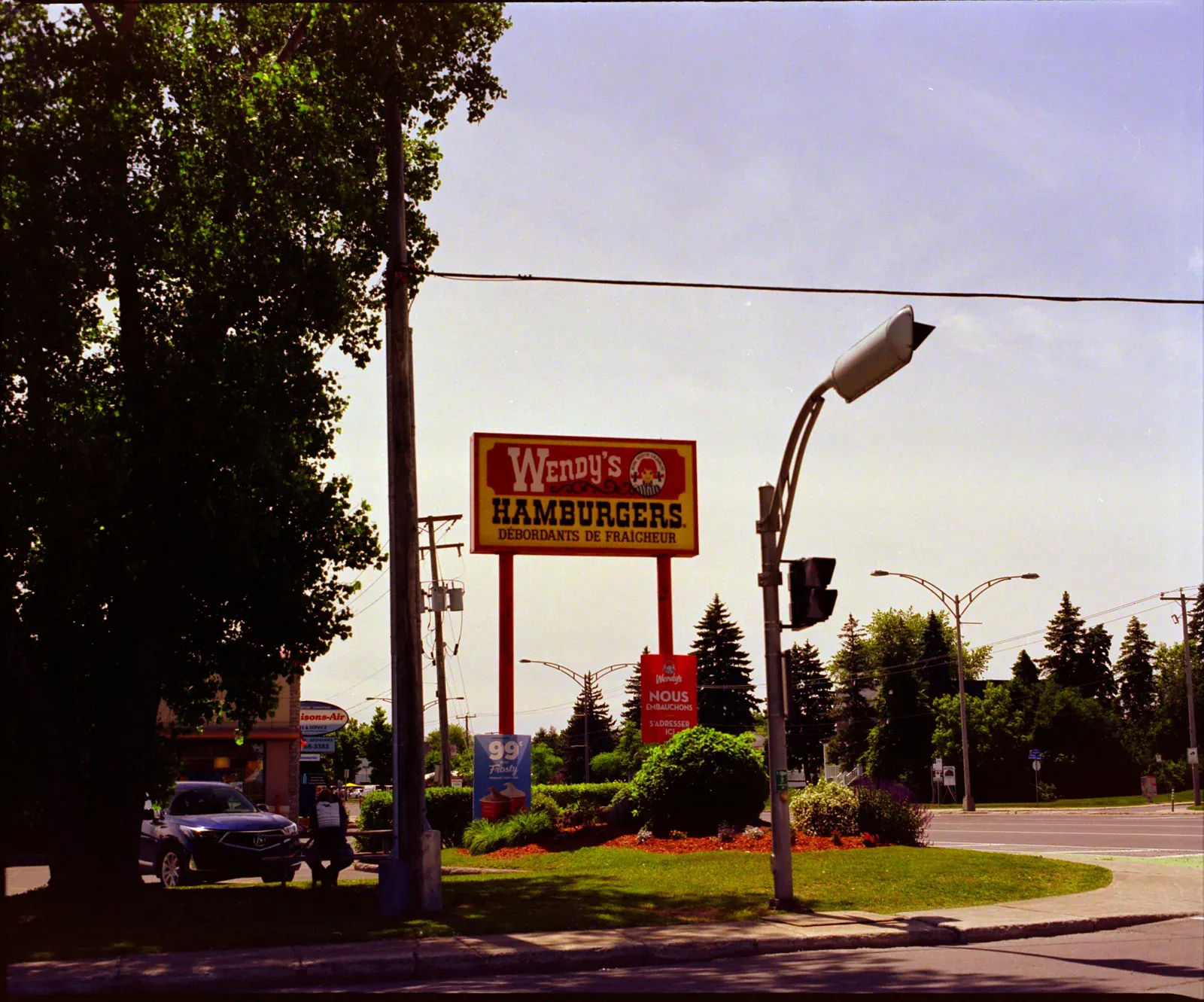
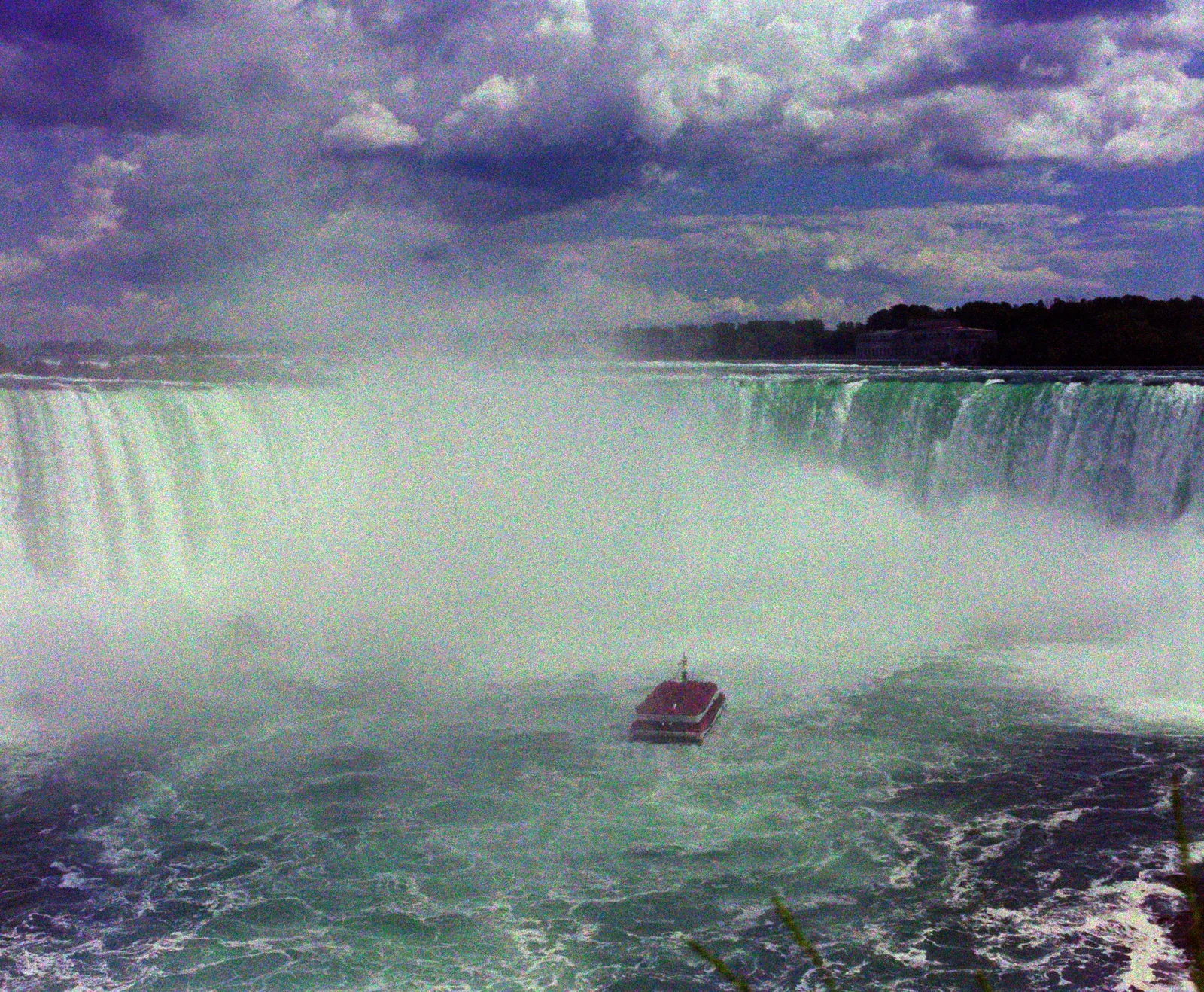
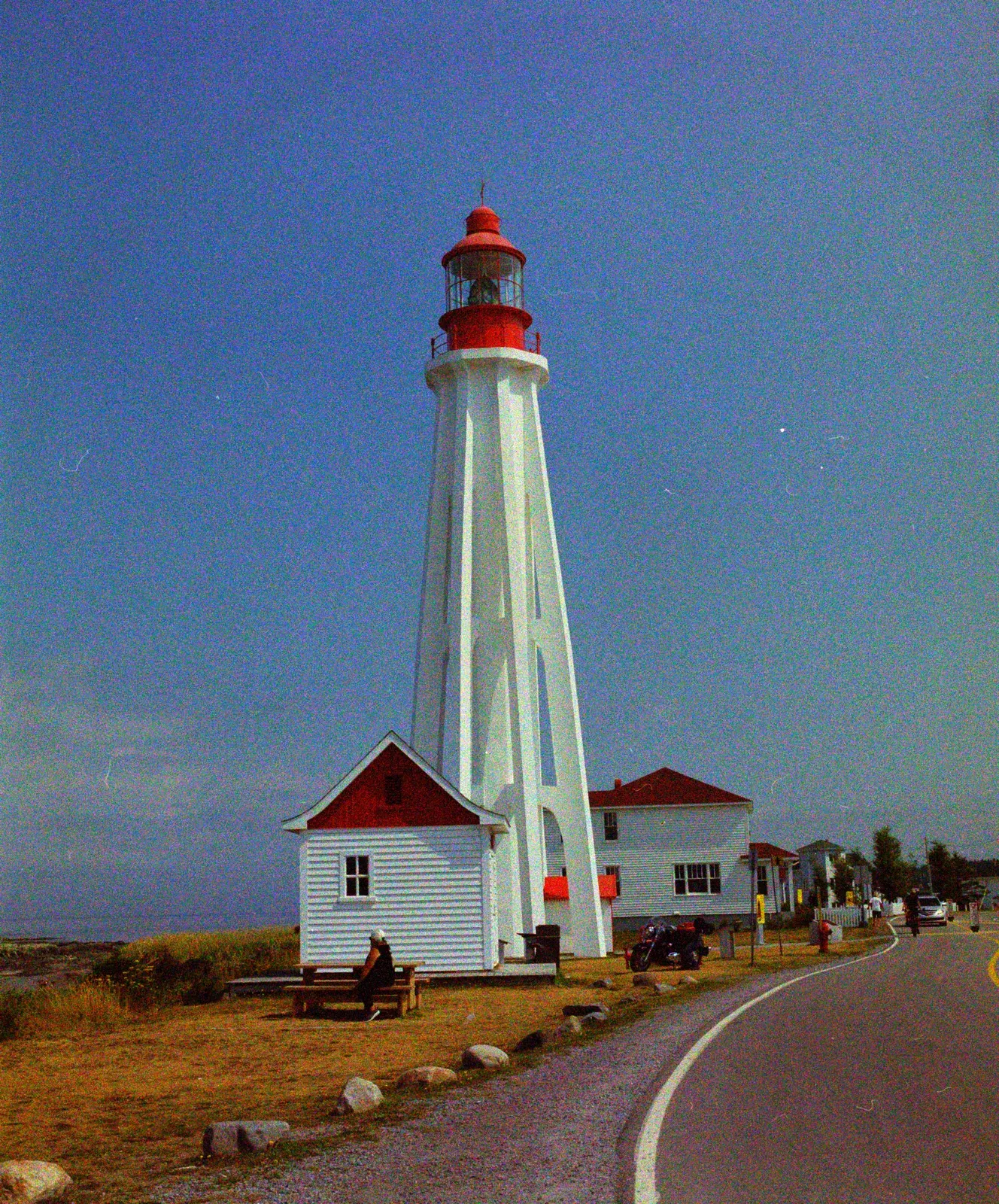
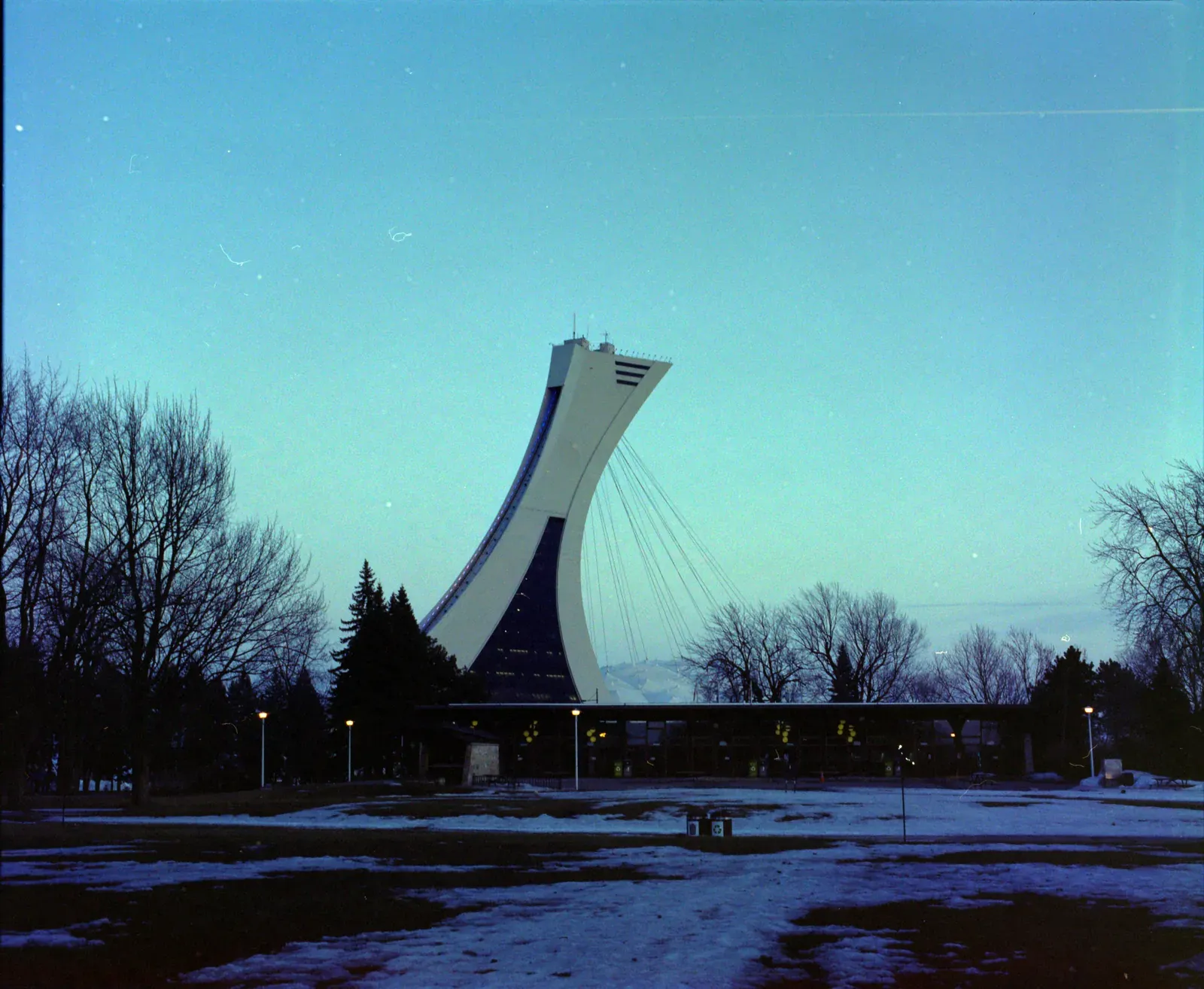
The orange base comes out and the colour comes back, balanced from the film itself.
Film negative converter for Mac
Drop in camera scans of your film. Monobath takes out the orange, finds the frame and hands back photos. Colour, black & white or slide, on your Mac.
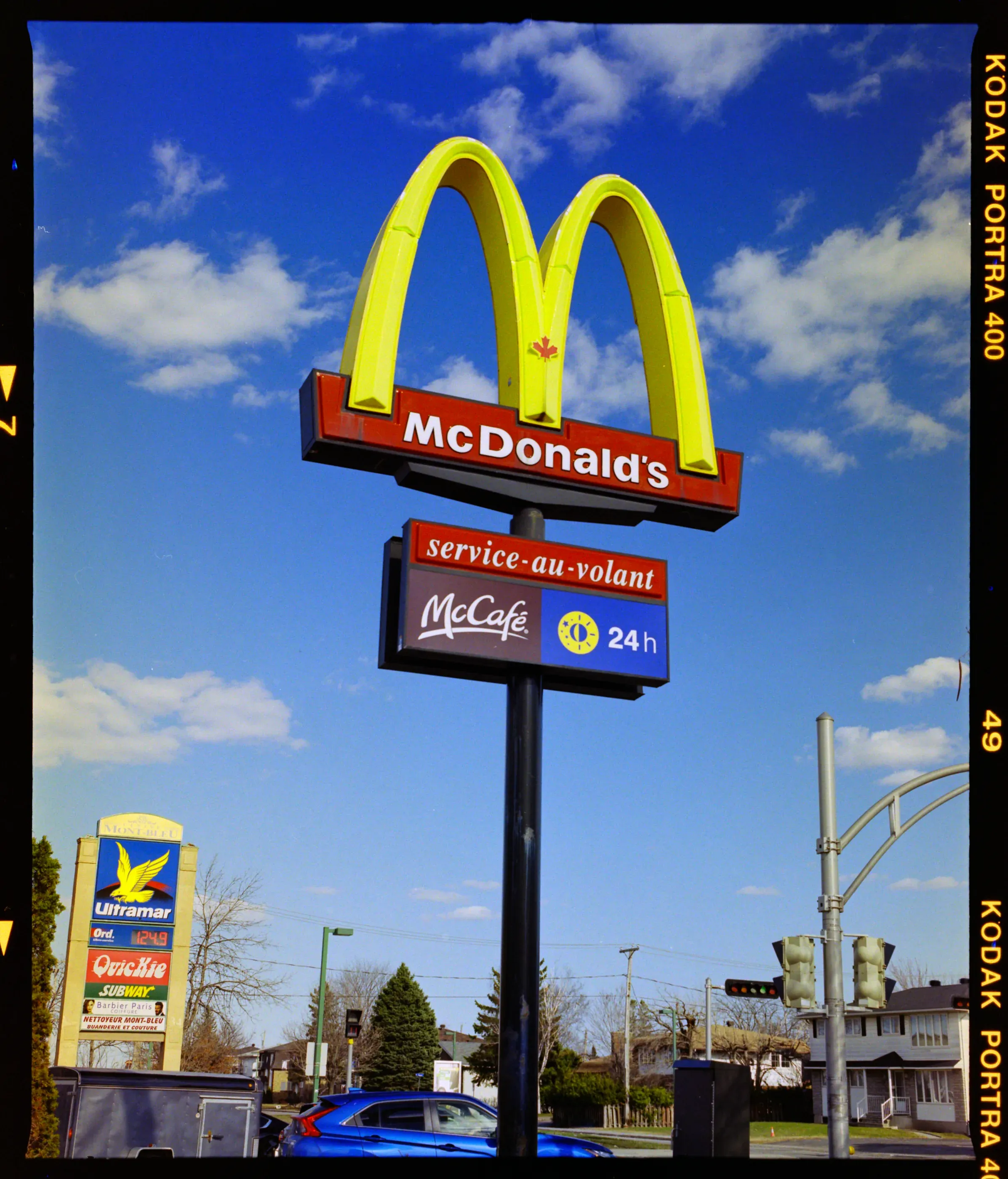
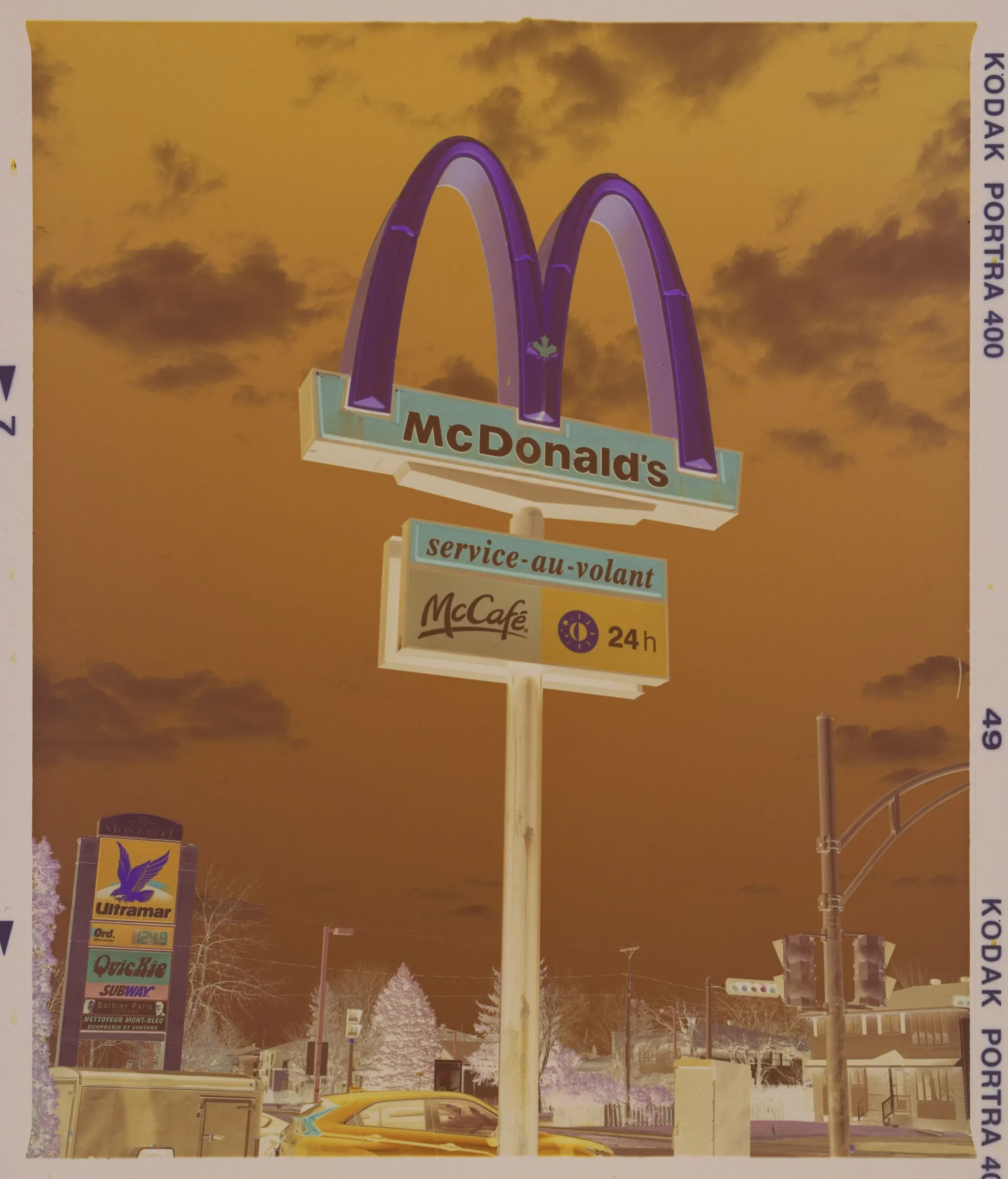
Monobath reads each scan's film base and colour channels, then balances the picture for you. No eyedropper, no guessing.
It crops away the holder and the film edge, and straightens a tilted frame. One shortcut: ⇧⌘D.
Get one frame right, then paste its settings onto the rest of the roll, or onto every photo at once.
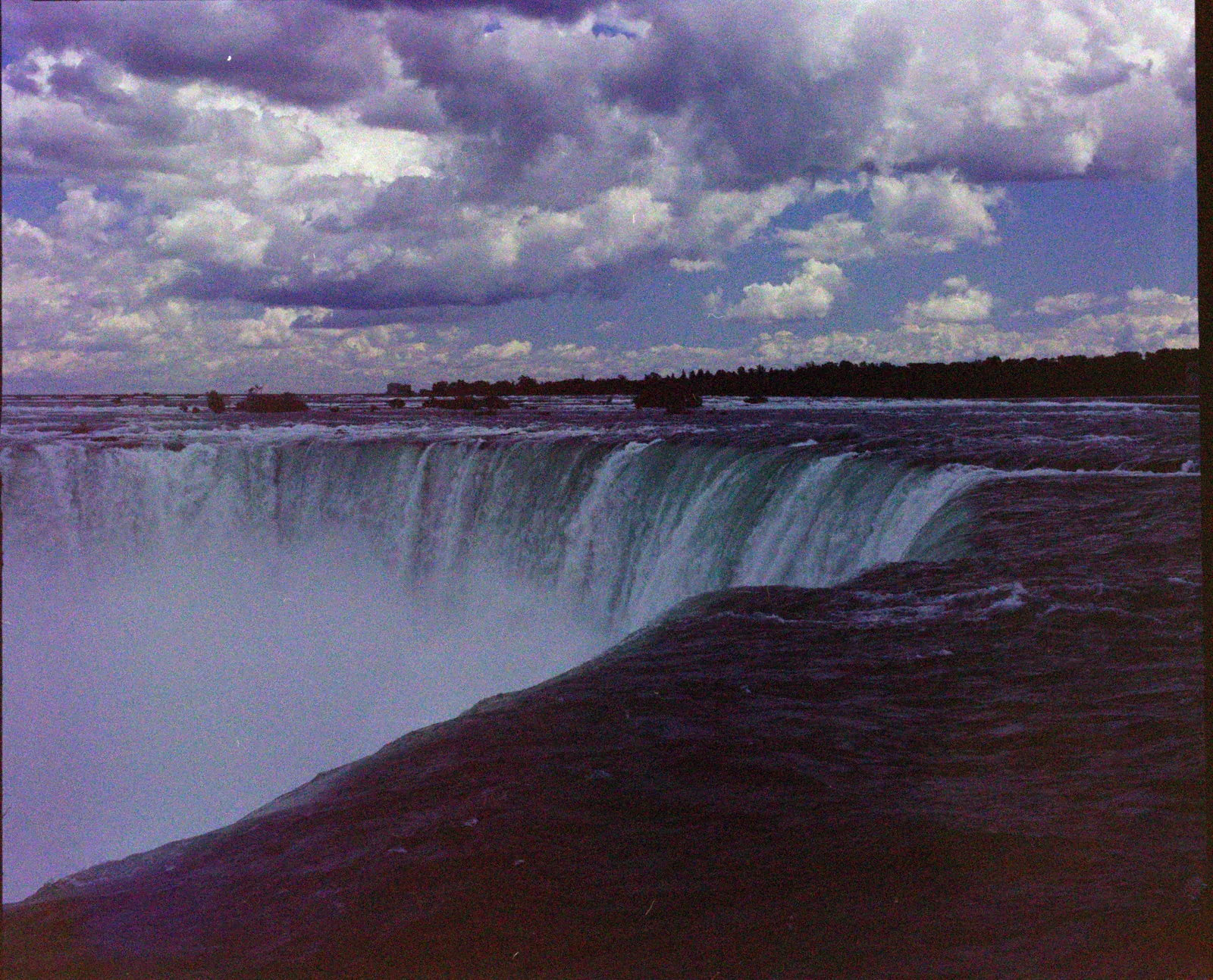
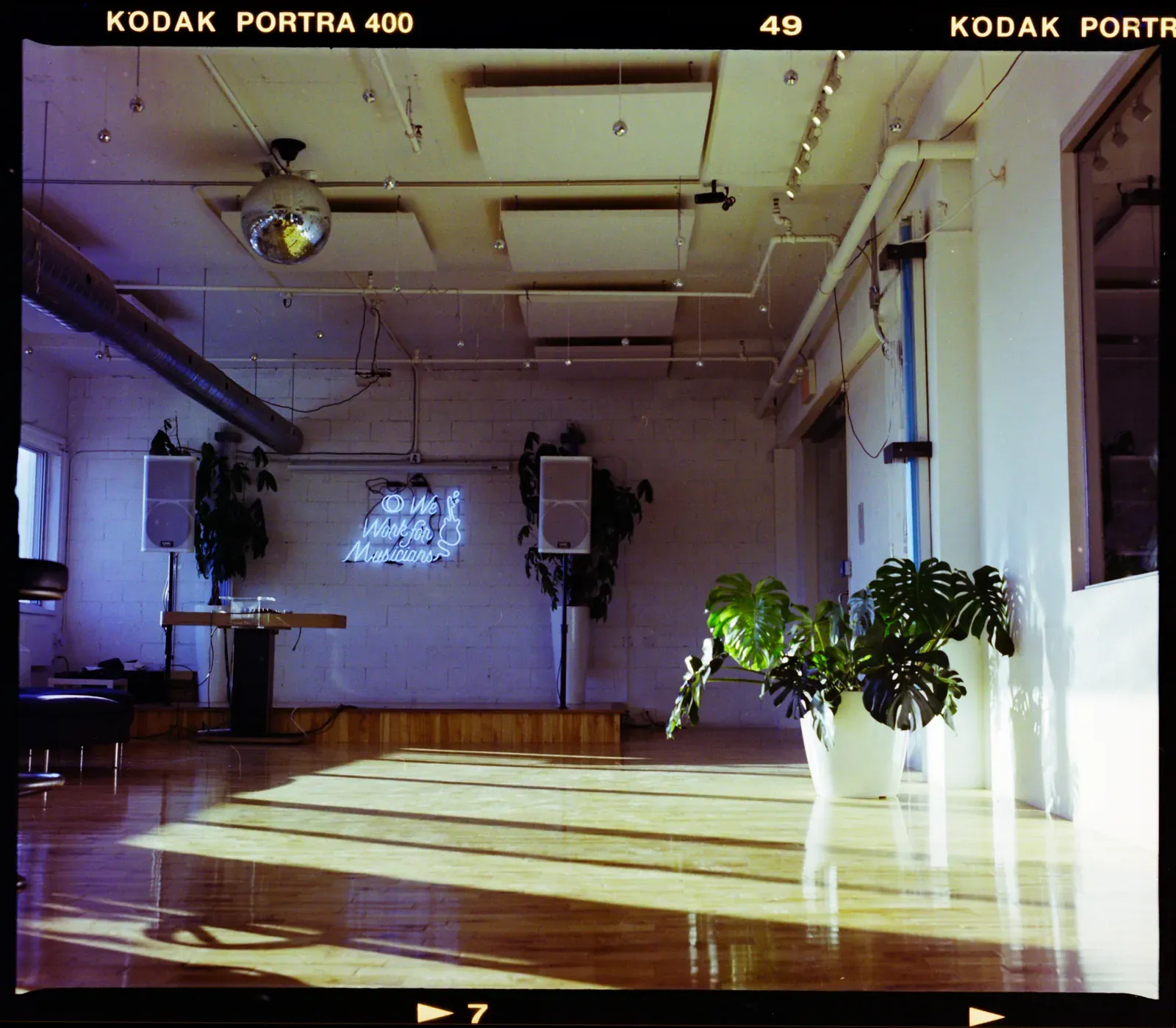
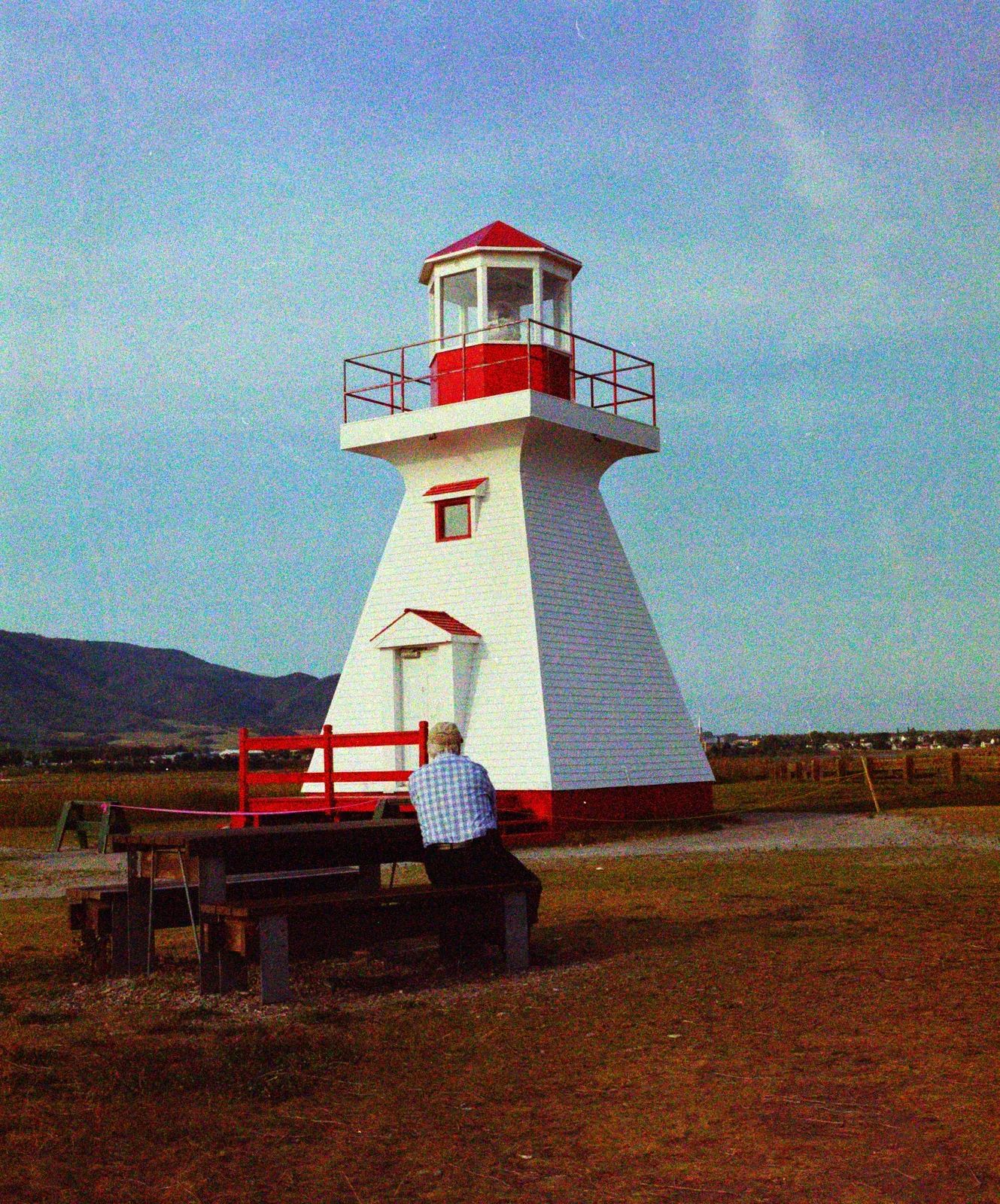
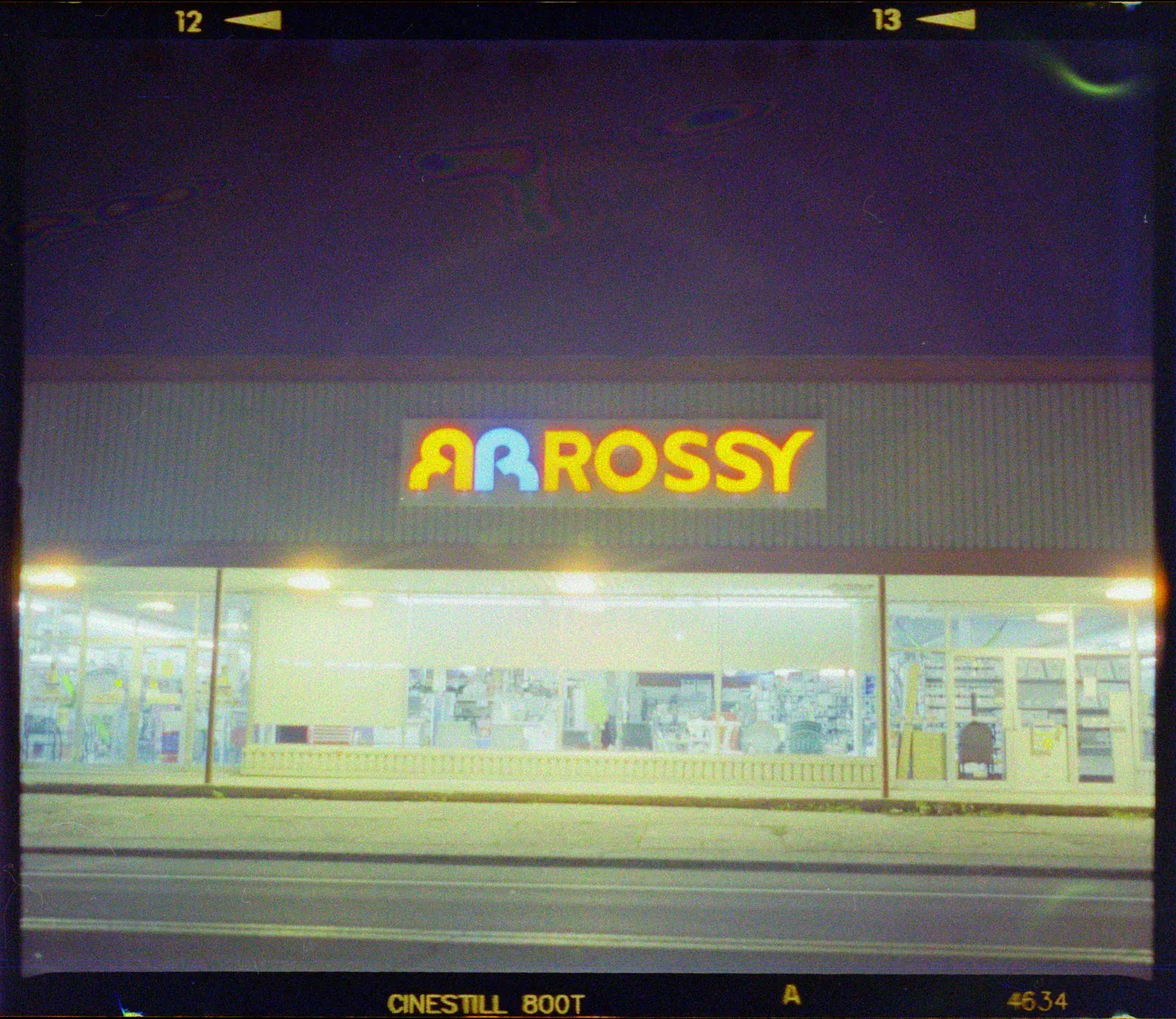
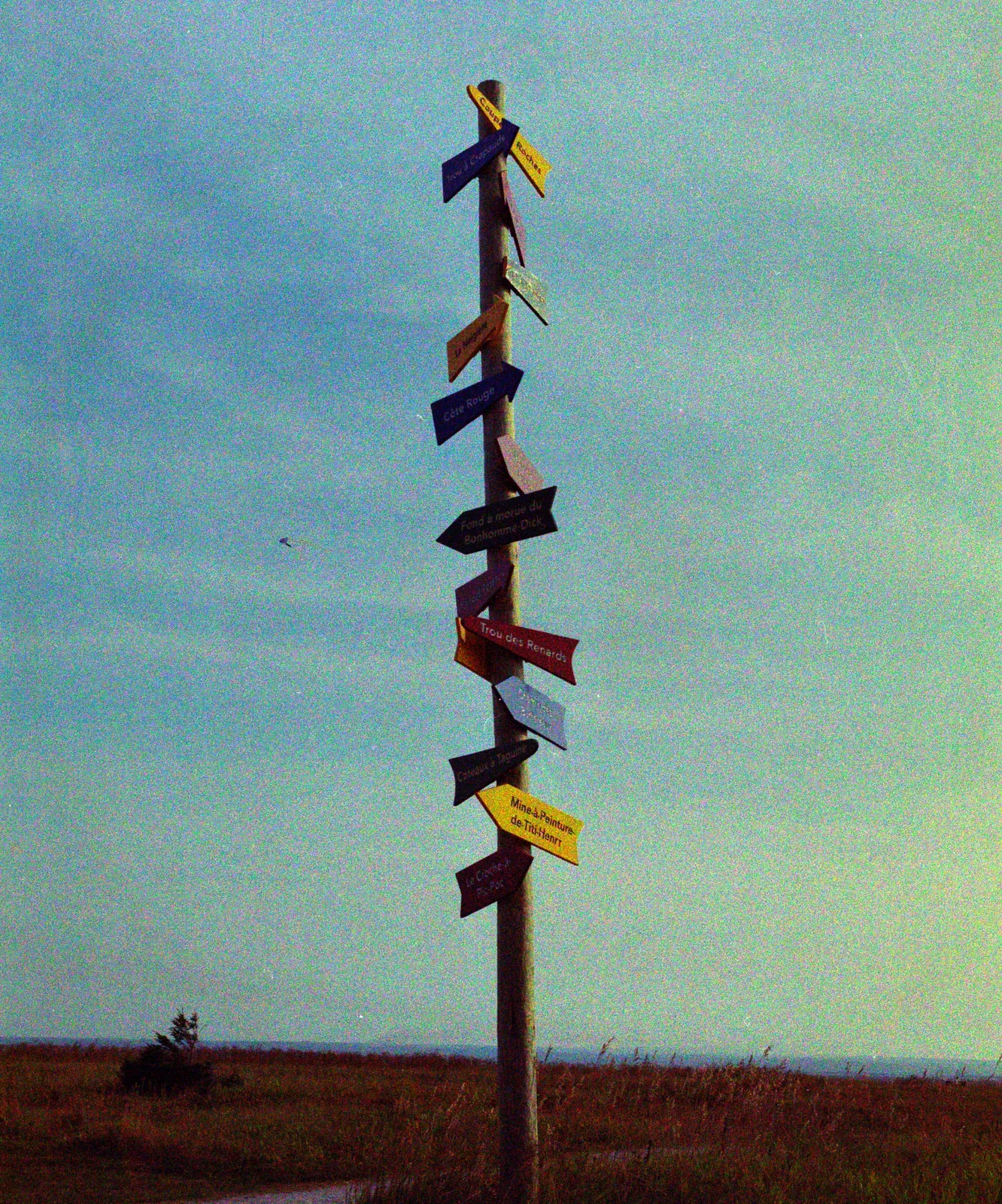
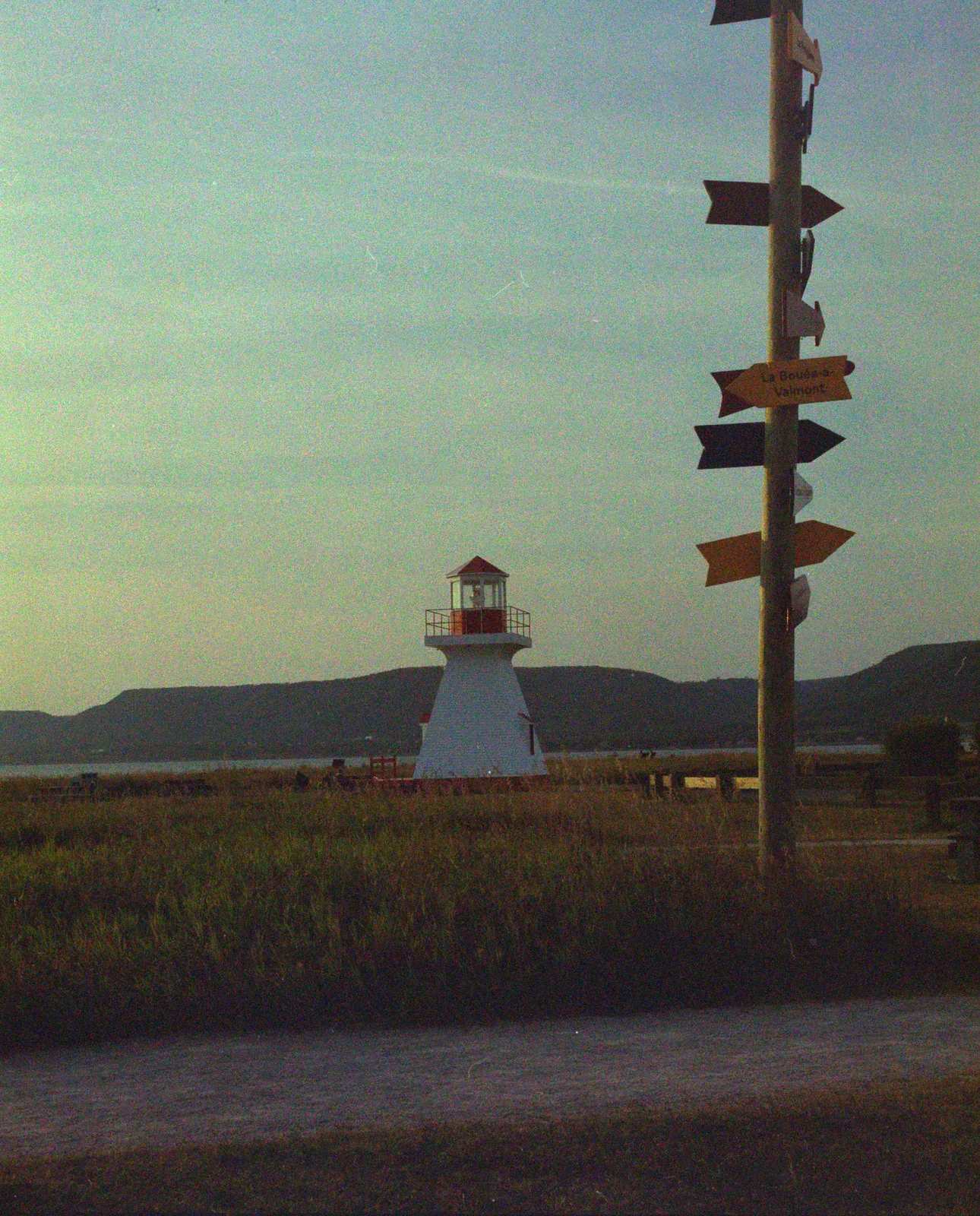
The orange base comes out and the colour comes back, balanced from the film itself.
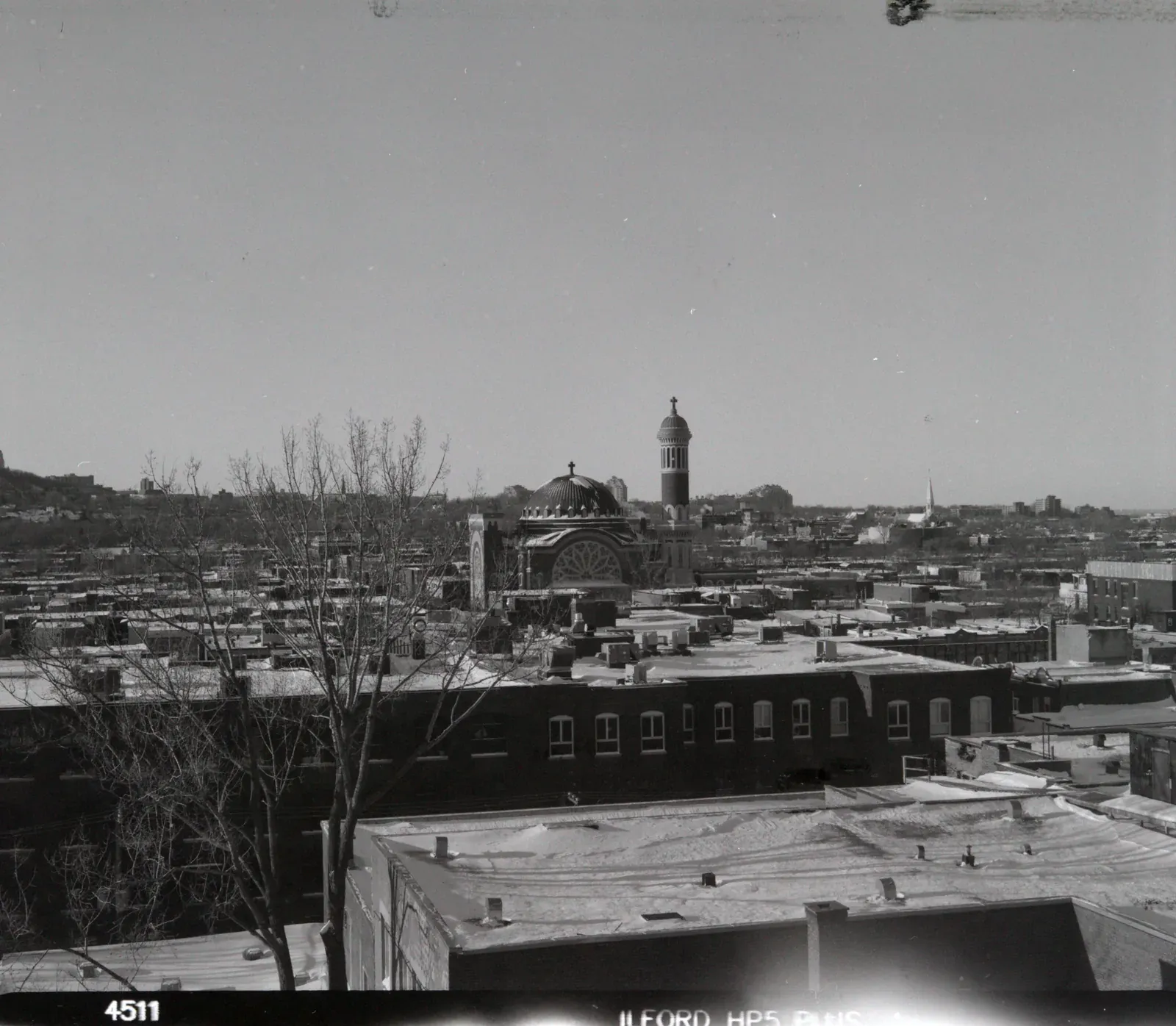
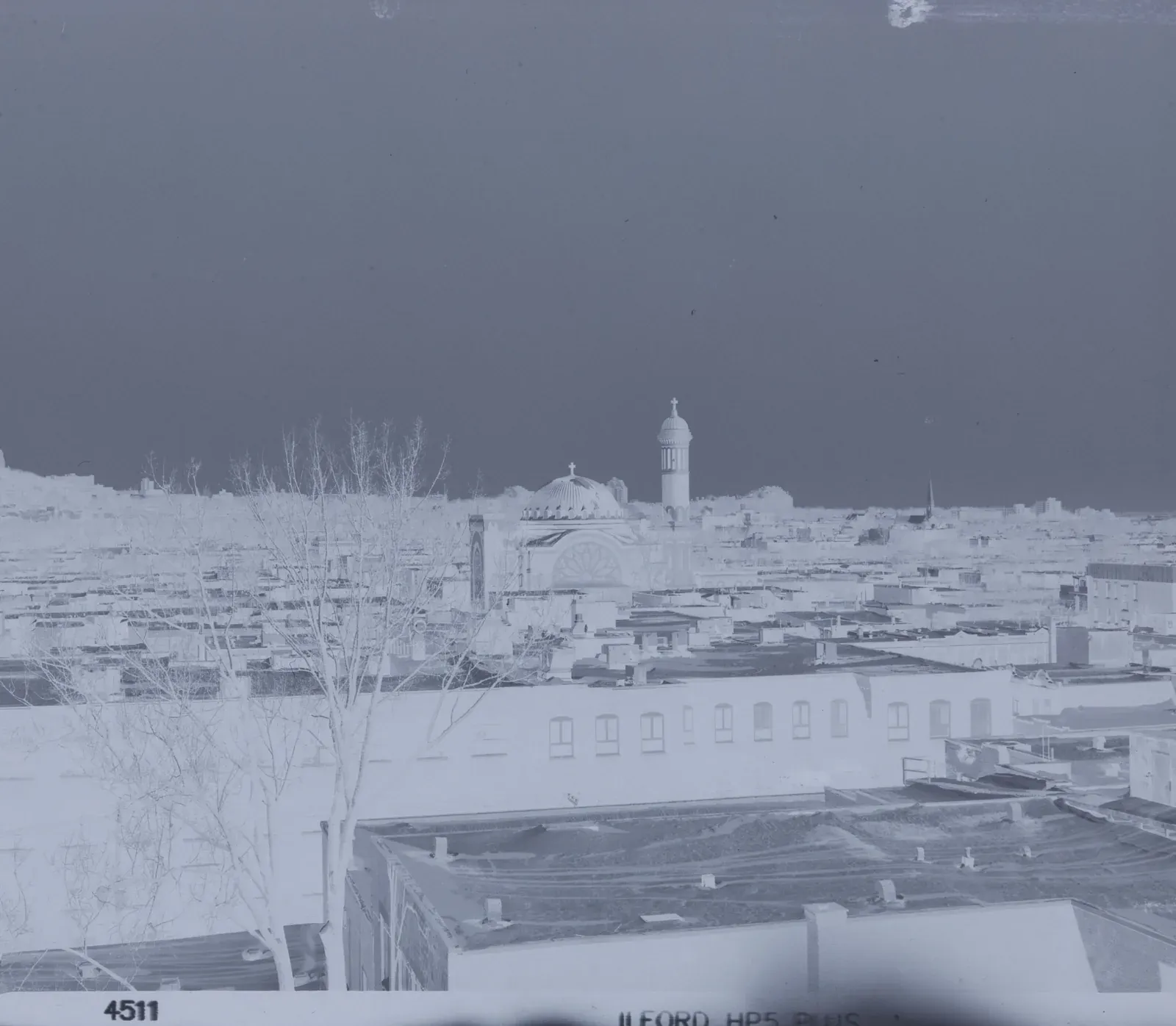
Clean silver tones and real blacks. Or turn a colour frame into black and white.
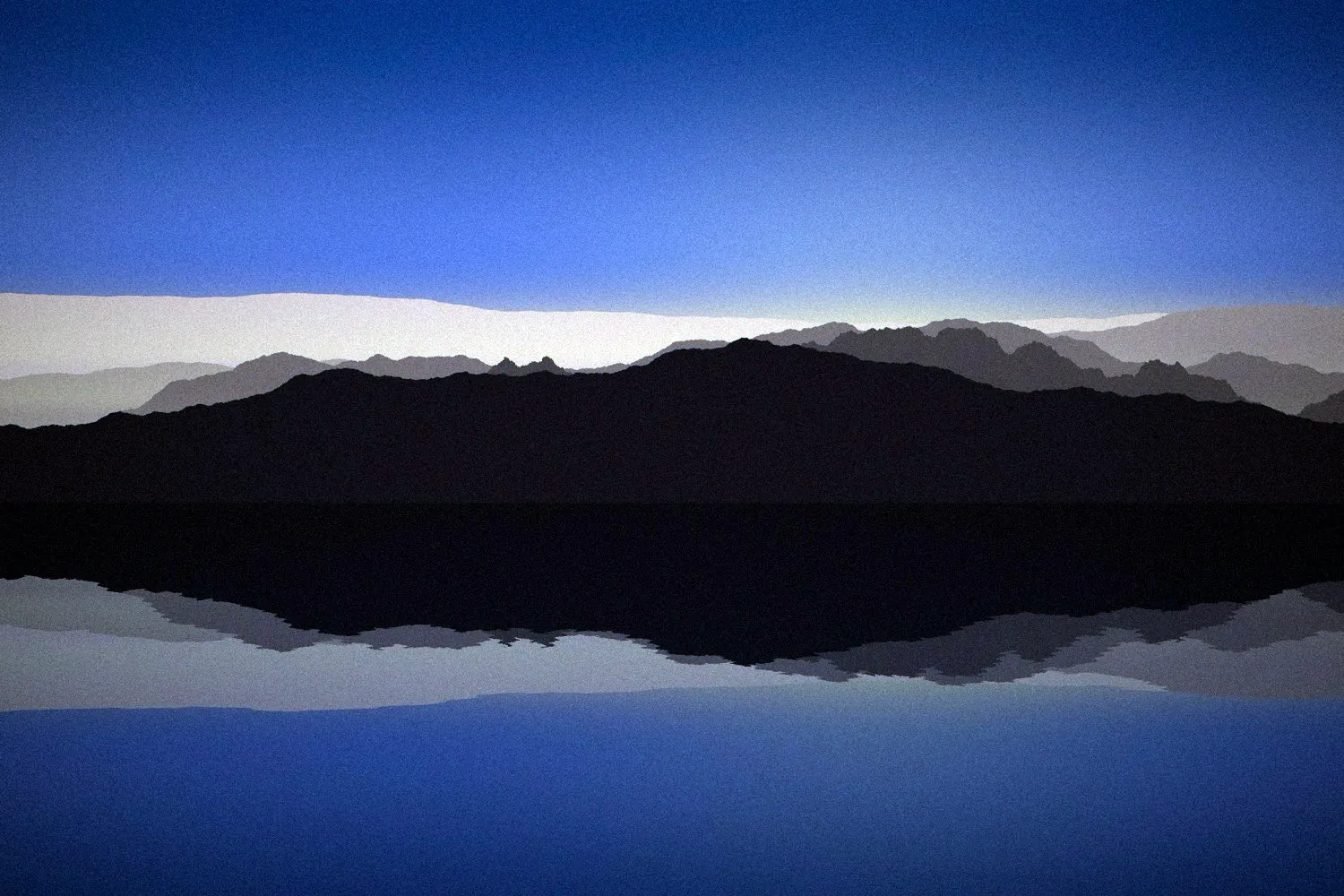
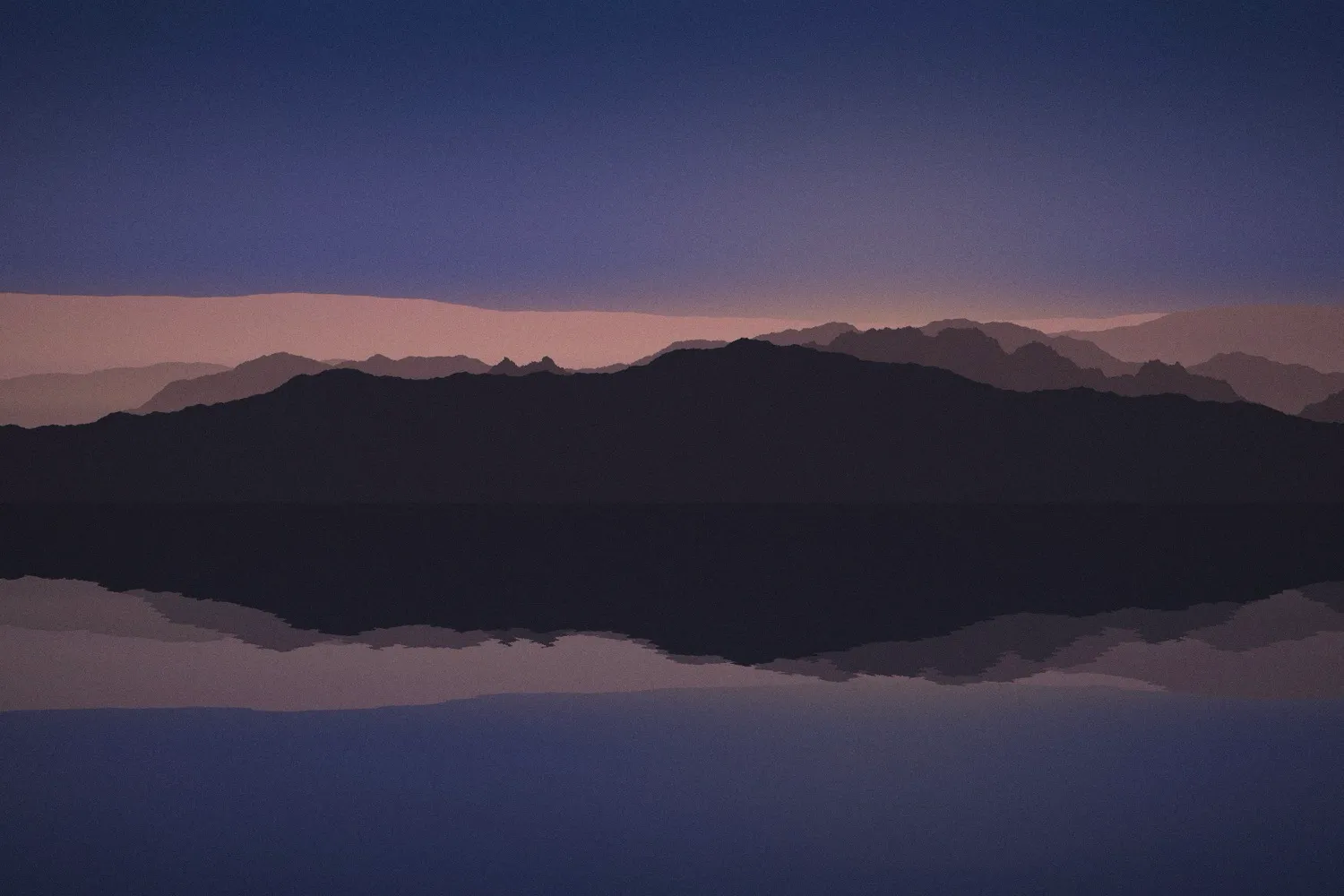
Positive film, rebalanced for colour cast and contrast, then cropped and levelled.
Monobath is in beta on Mac. Leave your email to be first in line for the beta, and to hear when early-bird pricing goes live.
Try Monobath on your own negatives before it launches, and tell me what to fix.
The first licenses cost the least. You hear about them before anyone else.
At launch: one price, yours to keep. No subscription, no account.
Each profile is a tone curve, not a filter. Pick one, then tune exposure, contrast, highlights, shadows, glow and fade. Monobath fits the curve to each frame's own black and white points.
Print-like contrast. Monobath sets the gamma from each frame.
Flat and faithful, ready for your own grade.
Lower midtones and open highlights, like motion-picture film.
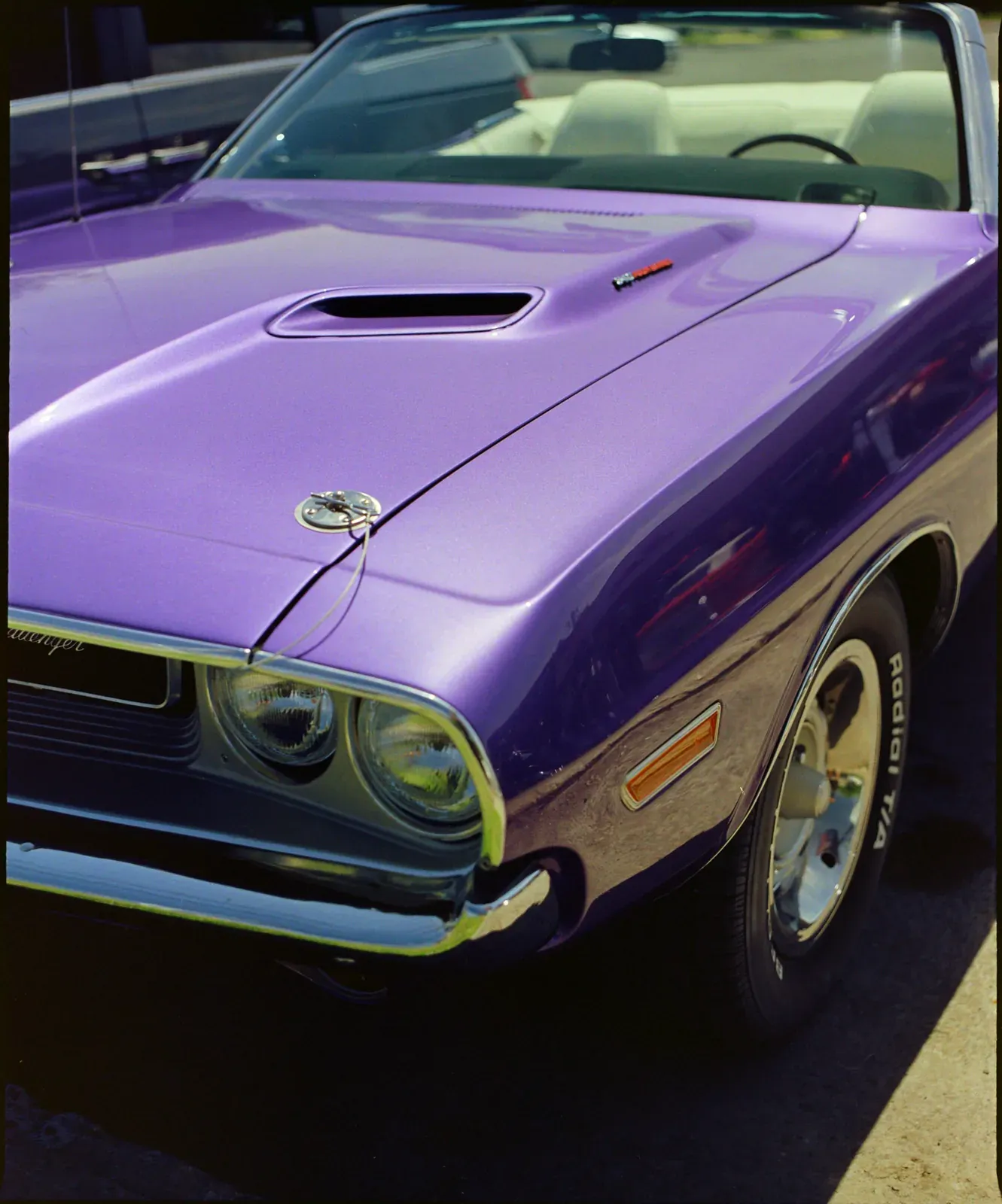
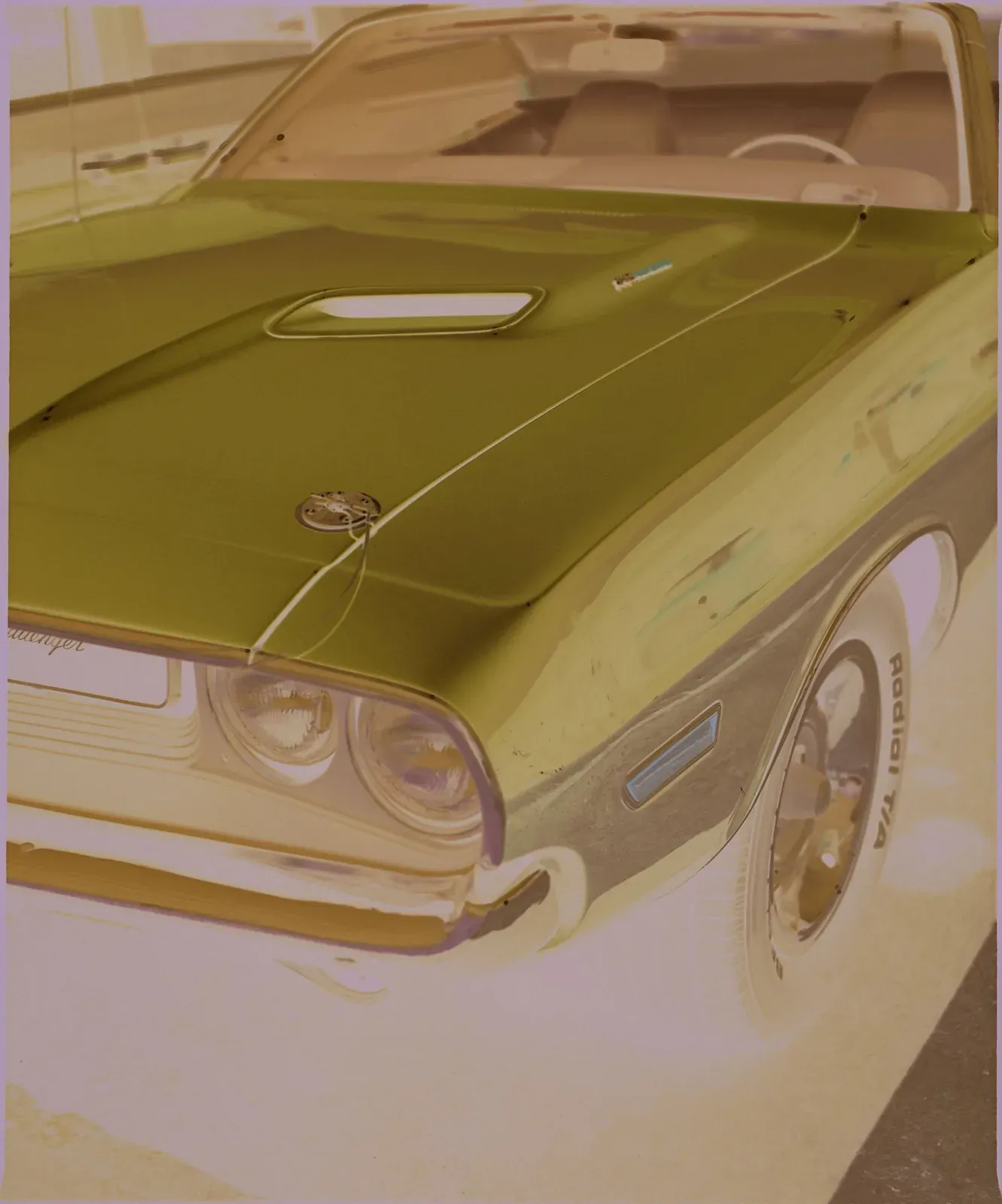
Each photo: one of my own negatives, converted with that profile. Curves: input → output, before Monobath fits them to a frame. Dashed line: no change.
See each profile with its negativeBuilt in Swift for macOS. Keyboard shortcuts for everything, drag and drop from Finder, and a 16-bit engine that keeps up as you drag a slider.
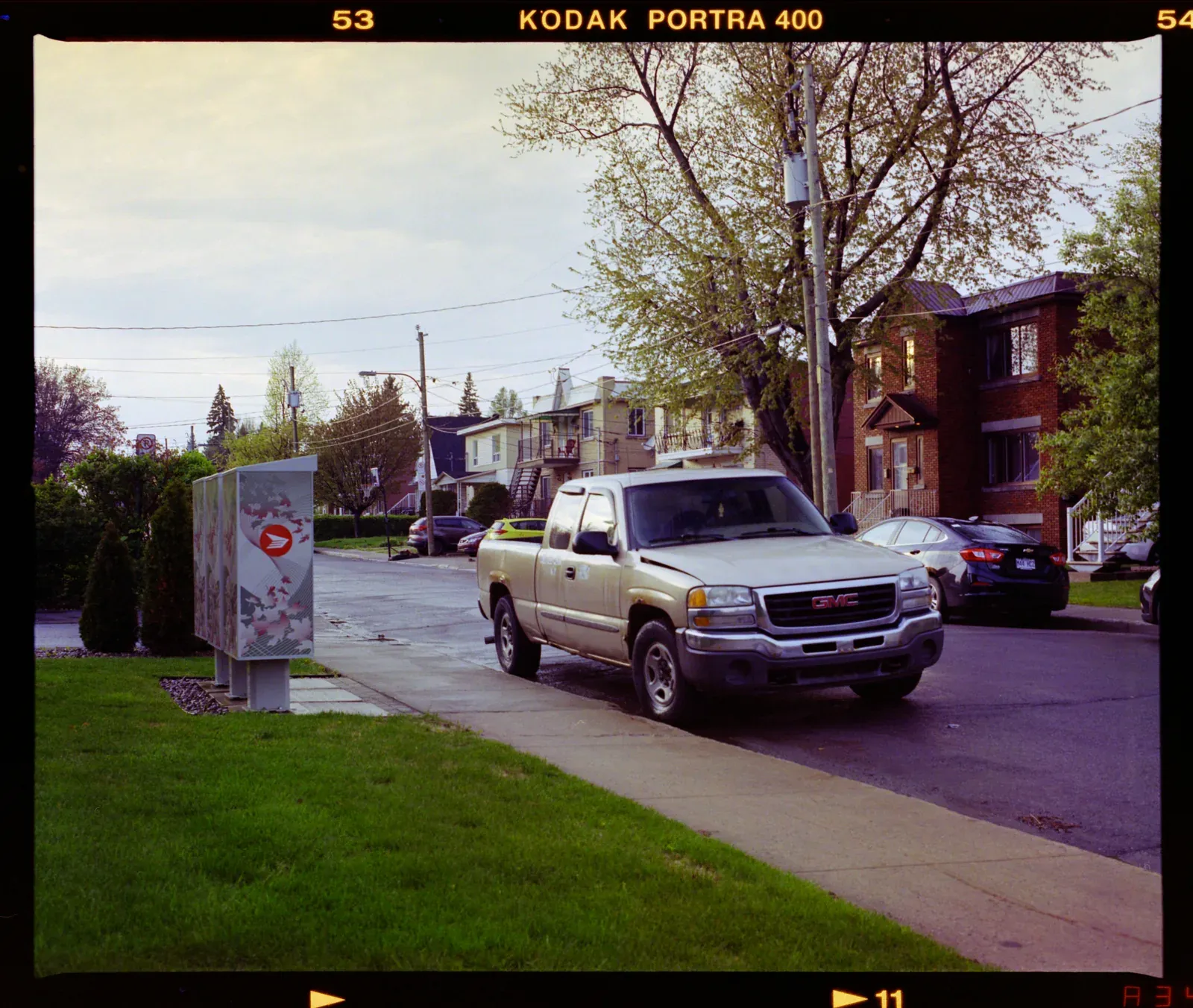
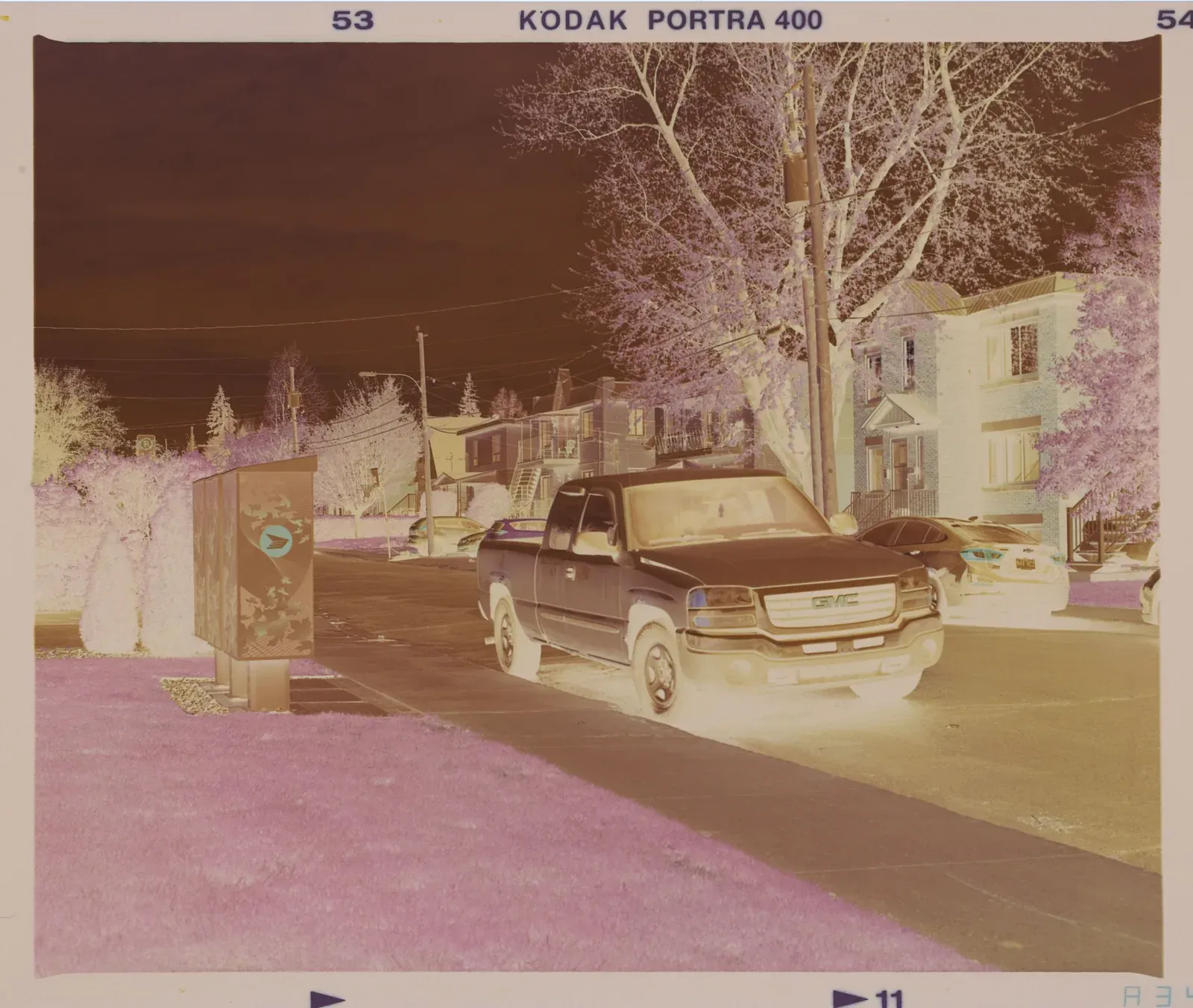
⌘\ flips the view between the photo and the original scan. Try the toggle above.
Profiles sit in one menu, grouped as Darkroom, Neutral and Cinema.
Sync copies settings to a selection, a folder or the whole library.
I'm Jp Valery, a self-taught photographer in Montréal. I shoot 35mm, 120 and 4×5 film, and I develop and scan it at home. Monobath is the converter I wanted for my own negatives: fast, private, and paid for once.
See my photographs at jpvalery.photo →Monobath points at your files. It never copies, moves or changes them, and finds them again if you do.
No account, no upload. Every conversion happens on your computer.
16-bit TIFF or PNG, or JPEG, at full resolution, in Display P3 or sRGB.
Monobath is a Mac app that converts scans of film negatives and slides into positive photos. It works with colour negative (C-41), black and white, and slide (E-6) film, removes the orange mask, crops to the frame and exports full-resolution files.
No. Monobath is a standalone Mac app, not a plugin. You open your scans in Monobath and export finished TIFF, PNG or JPEG files.
A digital camera with a macro lens and a light source, or a film scanner. Monobath reads the camera RAW files that macOS supports, TIFF and JPEG. Any format works: 35mm, 120 or large format.
Monobath is in beta on Mac. Join the beta list and you will get an email when the beta opens to you, and another when early-bird pricing goes live for the first licenses.
Yes. At launch you pay once and keep it. There is no subscription and no account. The first licenses sell at an early-bird price, and the beta list hears about it first.
At launch, convert your first 6 photos in one library, with every tool, every profile and every export format. Unlock to remove the limits.
No. Monobath reads your files where they are and never copies, moves or changes them. Every conversion happens on your Mac, and nothing is uploaded.
Fourteen tone profiles in three families: Darkroom for print-like contrast, Neutral for a flat starting point, and Cinema for soft, motion-picture tones. Each one is a tone curve that Monobath fits to every frame.
Monobath will be sold through the Mac App Store, so Apple handles refunds. You can also try it free on your own negatives first.
Monobath gets better with every roll it hasn't seen yet. Send me camera scans of your film, and I'll test each release against them. With your OK, the best frames can appear on this site, with your name next to them.
Put your scans in Google Drive, Dropbox, iCloud or WeTransfer. Send a link, not attachments: a roll of RAW files can weigh a few gigabytes.
Fill in the form, and tell me what film it is if you know.
When Monobath launches, you get a code for your licence by email.
The short version of the terms: your photos stay yours. You let Monobath use them for good, to test the app and to show on its website, its App Store page and its social media, with your credit if you want it. We never sell them or pass them on.
Everything Monobath reads, does and writes, for the people who check before they buy.